
 TrafficTriage
What Is a Soft 404 — and Why It Quietly Kills Your SEO
By Ugur Saritepe · July 8, 2026
A soft 404 is a page that tells a human “not found” but tells a crawler 200 OK— or silently redirects them to your homepage. Google then keeps crawling URLs that don't exist, indexes junk it should ignore, and drops real pages it mistakes for errors. One curl command tells you whether your site does this.
The 30-second self-diagnosis
Ask your site for a page that cannot exist and read the status code it answers with:
curl -sI https://yourdomain.com/this-page-cannot-exist-19347 | head -1
The first line of output sorts you into one of three cases:
HTTP/2 404(or410). Healthy — your server tells the truth about missing pages. The only soft-404 problem you can still have is Google flagging a real page as one; jump to when a real page looks like an error.HTTP/2 200. Your site claims a made-up URL is a real page. Every typo, every stale link from another site, every deleted URL becomes an indexable page. Causes 1 and 3 below.HTTP/2 301/302/308withlocation: /. The redirect flavor of the same problem — missing pages get quietly forwarded to the homepage instead of admitting they're gone. Cause 2 below.
What a soft 404 actually is
HTTP status codes are how your server tells crawlers what happened: 200 means “here's the page,” 404 means “no such page,” 410 means “deliberately deleted.” A soft 404 is a mismatch between the code and the content: the content says error, the code says success.
The label comes from Google. Its crawler documentation (as of July 2026) says that when a 2xxresponse's content “suggests an error… an empty page or an error message,” Search Console reports it as a soft 404. Note what that means: Google classifies by content, not just the status code. That cuts both ways — a fake URL returning 200 is a soft 404, and so is a real page you care about that renders empty or thin enough to look like an error.
Why a soft 404 quietly kills your SEO
Nothing looks broken. Visitors see your normal pages, your 404 page even looks polite — the damage is only visible from the crawler's side, which is why the problem sits unnoticed for months. It costs you three ways:
- Wasted crawl budget. Google's crawl budget documentation is blunt: “soft 404 pages will continue to be crawled, and waste your budget.” Every visit Googlebot spends re-checking a dead URL is a visit it doesn't spend on the pages you want ranked.
- Index pollution.If any path returns 200, your site has an unlimited number of “pages,” most of them identical copies of your app shell or homepage. Google has to sort out which of those URLs is real, and its picks compete with — and dilute — your actual pages.
- Real pages dropped. The reverse case: when Google decides a page you want ranked is a soft 404, it excludes it from the index entirely. The page sits in Search Console's “Soft 404” bucket getting zero traffic while everything about it looks fine in a browser.
How soft 404s happen
1. The SPA fallback serves your app shell for every URL
The most common cause on modern hosting. Single-page apps — Vite or Create React App builds especially — need the server to answer every path with index.htmlso client-side routing can work. That's the standard rewrite rule everyone adds (/* /index.html 200 on Netlify, a catch-all rewrite in vercel.json). The side effect: the server now answers every path that doesn't existwith 200 too. Your JavaScript router shows the visitor a nice “page not found” screen, but the status code already said success.
30-second check: the diagnosis curl above returns 200, and view-source: on the fake URL shows the same near-empty <div id="root">shell as every other page. If your raw HTML is an empty shell on real pages too, you have a bigger problem than soft 404s — that's cause 4 in our indexing triage.
2. Unknown URLs redirect to the homepage
Some sites — and some CMS plugins sold as “404 fixers” — catch every missing page and 301 it to the homepage. It feels tidy, but it makes dead URLs unfindable: your link checker sees a healthy redirect, your analytics see a homepage visit, and no one ever learns the link was broken. Crawlers get told that thousands of dead URLs all “moved” to your homepage, which says nothing a crawler can use — the redirect target has no relationship to what was at the URL.
30-second check: the diagnosis curl returns a 3xx code. Add grep -i locationto see where it points — if it's /, this is your cause.
3. The error page itself returns 200
A custom “not found” template that a server renders like any other page — common in CMS themes and hand-rolled Express catch-alls — sends a perfectly styled apology with a 200code. Frameworks have subtler versions of the same trap: as of Next.js 16.2 (July 2026), the framework's own docs note that a not-found page is served with a 200 status when the response is streamed, and 404 only when it isn't. The lesson generalizes: never assume your framework returns the right code — test it with curl.
4. A real page looks like an error to Google
Because Google classifies by content, pages you fully intend to rank can land in the soft-404 bucket: a category page with zero products in it, an internal search results page with no results, a placeholder page waiting for content, or a page whose real content only appears after JavaScript runs — if rendering fails or times out, Google saw an empty page and filed it as an error. This is the one soft-404 case where the fix is making the page more real, not changing a status code.
The soft 404 fix, by scenario
Match your case from the diagnosis above and apply exactly one of these:
- The page is genuinely gone: return
404, or410if it's deleted for good. That's the whole fix — a 404 for a missing page is correct behavior, not an error to suppress. - The page moved or has a true replacement: 301 to that specific page — the new product URL, the merged article — and never to the homepage as a catch-all.
- Your SPA fallback 200s everything: keep the rewrite for routes that exist, but make unknown paths return a real 404 — most hosts let you pair the SPA rewrite with a 404 rule, and frameworks with server-side routing handle it for you (in Next.js App Router, an unmatched route renders
app/not-found.tsx— then confirm the status withcurl, per cause 3). - A real page got flagged:give Google something to index — visible text content in the server-rendered HTML. Search Console's own guidance is to return 404 for truly missing pages and otherwise add “more information on the page to let us know that it is not a soft 404.” Empty-state pages (“0 results”) that shouldn't rank at all can instead send
noindex. - Your 404 page carries mixed signals: view-source your 404 page and check its
robotsmeta tag doesn't sayindex. A 404 status with an index-me tag tells Google two opposite things about the same URL.
How to confirm the fix worked
Re-run the diagnosis curl — a made-up URL must now answer 404 or 410 on the first line. For pages Google had already flagged, open Search Console → Indexing → Pages, find Soft 404under “Why pages aren't indexed,” run a live URL Inspection test on one fixed URL to see it as Google sees it, then click Validate Fix. Validation takes days to a couple of weeks depending on how often Google recrawls you — the curl result is your instant proof; the report catching up is just bookkeeping.
How TrafficTriage runs this check
Soft-404s are check #1 of the eight in our free Triage Report, and the test is exactly the one you just ran by hand: we request a randomly generated URL that cannot exist on your site and read the response. A real 404 or 410 scores Healthy. A 200scores Critical — every typo becomes an indexable page. A redirect that lands on your homepage scores Critical too. And whatever comes back, we parse the error page's robots meta tag and flag the conflicting-signal case from fix #5.
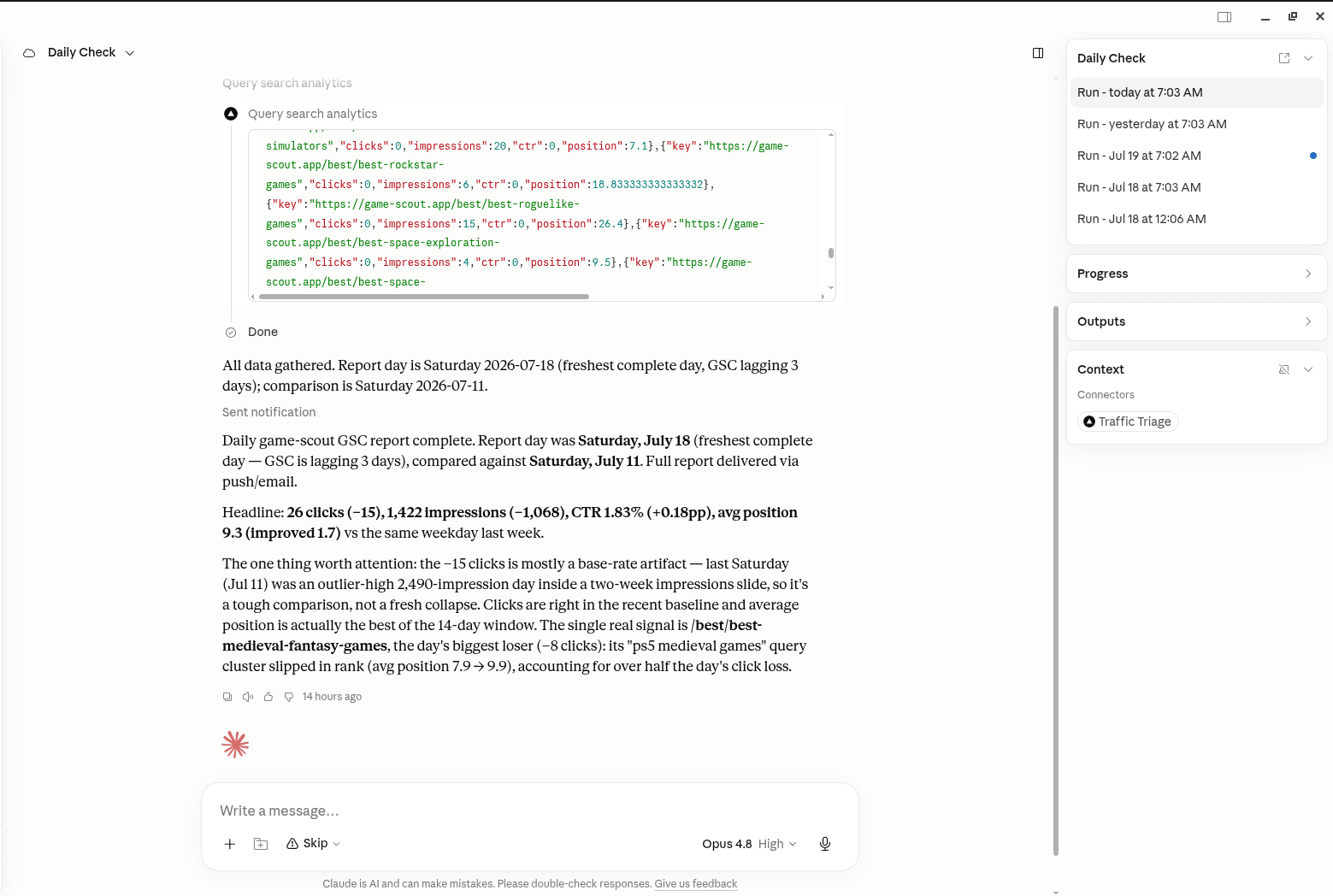
Soft-404s reappear whenever routing changes, so this is a check worth running after a release rather than once. The TrafficTriage MCP server exposes it as a run_triage tool your AI assistant can call, which puts the answer in the same chat as the catch-all route that caused it.
From experience: 1 site in 6 fails this
In the first week of July 2026 we ran this check on 23 sites. Three returned 200 for a made-up URL — Critical — and one more served a 404 whose robots tag asked Google to index it. Roughly one site in six, and not one of the owners knew, because every one of those sites looked completely normal in a browser.
The worst case was a hacked small-business site: injected code answered anyURL with a unique spam page, and attacker-planted sitemaps listed over 1,100 of them for Google to crawl. A working soft-404 check is also a tripwire — a site that returns real 404s can't be turned into an infinite doorway-page generator. Our own sites pass it: as of July 2026, game-scout.app and traffictriage.com both answer a fake URL with HTTP/2 404 on the first try. Other checks from the same report are explained in Checks Explained.
FAQ
What's the difference between a 404 and a soft 404?
A real 404 returns HTTP status code 404, so crawlers know the page is gone and stop asking for it. A soft 404 shows a person a “not found” message (or a redirect to somewhere unrelated) while returning a success code like 200 — so crawlers treat the dead URL as a real page. The status code is the difference, and you can only see it with a tool like curl or your browser's network tab, never from the page itself.
Are normal 404 errors bad for SEO?
No. Returning 404 for a URL that doesn't exist is exactly what Google expects, and 404s on made-up or long-deleted URLs don't hurt your rankings. The problems are the opposite cases: a missing page that returns 200 (a soft 404), or a real page you want indexed that Google classifies as a soft 404 and drops.
Should I redirect deleted pages to my homepage?
No. Redirect a deleted page only when a genuinely equivalent page exists, and point the 301 at that specific page. A blanket redirect to the homepage hides every dead URL from you and from crawlers — the URL never reports itself as missing, so broken links look healthy and the junk keeps getting crawled. If there's no equivalent page, return 404 or 410.
How do I find soft 404s in Google Search Console?
Open Indexing → Pages and look for “Soft 404” in the “Why pages aren't indexed” table. Every URL in that bucket is one Google decided not to index because it looks like an error page. After fixing, use URL Inspection's live test to confirm what Google sees, then click Validate Fix in the report.
Want the other seven checks run on your site?
Get a free Triage Report: eight checks run from your URL alone — no Search Console access needed — each scored Critical / Monitor / Healthy, ending with the one thing to fix this week. It renders on your screen in about half a minute — no signup, no email required.
In your AI assistant
Ask your AI about your own site
TrafficTriage plugs into Claude, Cursor, and ChatGPT. Your assistant runs the 8 checks, reads your Search Console data, and can even check your site every morning. Free account, no API key, nothing to install.