
 TrafficTriage
Figma Site Not Showing Up on Google? The 60-Second Triage
By Ugur Saritepe · July 29, 2026
Your Figma site is published, it loads fine in the browser, and Google acts like it does not exist. Short version: the robots.txt error everyone blames in the Figma forums is almost never the real blocker. The likely culprits are a search-engine exclusion setting, a canonical quirk, or, on Figma Make, pages with no metadata at all.
First: Figma Sites or Figma Make?
Figma publishes websites from two different products, and they fail in different ways. Figma Sites is the visual site builder: you design pages and publish them to a .figma.site subdomain or a custom domain. Figma Make is the AI prompt-to-app tool: it generates a working web app and publishes it the same way. When we checked live examples of both in July 2026, Sites got most of the basics right, while Make shipped almost none of them. Find your product below and skip the other half.
The 60-second self-diagnosis
Search Google for site:yourdomain.com (your real address, no spaces; use the full something.figma.site subdomain if you have no custom domain). The result picks your branch:
- Zero results. Google has indexed nothing. On Figma Sites, work through causes 1 to 3. On Figma Make, jump to causes 4 and 5.
- Only the homepage shows. Google found you but is skipping the other pages. On Figma Sites this is usually cause 2, the canonical problem.
- Pages show but nobody clicks. That is not an indexing problem, it is a ranking and content problem, and it needs a different diagnosis. Our Triage Report is built for exactly that split.
Figma Sites: the three real causes
1. The search-engine exclusion setting is on
Figma Sites has a setting that adds <meta name="robots" content="noindex"> to your pages, documented on Figma's website settings help page under “Manage inclusion in search engine results”. That one line is a complete, polite request for Google to leave your site out of results, and Google honors it. Forum threads about “unable to remove noindex” on Figma Sites almost always trace back to this switch plus a forgotten republish, because setting changes only reach the live site when you publish again.
30-second check: open view-source:https://yourdomain.com (view source, not inspect element) and search for noindex. Good: no match, or <meta name="robots" content="index,follow">. Bad: any robots meta containing noindex.
noindex: this is your whole problem. Turn the setting off in your site settings, republish, then request indexing in Search Console. Nothing else on this page matters until this is fixed.2. Every page canonicalizes to the homepage
This is the quiet one, and we found it live: on a published Figma Sites site we scanned on July 29, 2026, every subpage carried a canonical tag pointing at the homepage, and every subpage served the exact same <title>as the homepage. A canonical tag is the line that tells Google which URL is the “real” one, so those subpages were formally introducing themselves as duplicates of the homepage. Our triage engine scores that Critical, because it is the classic recipe for a site where only the homepage gets indexed. The canonical URL guide covers why this tanks pages in detail.
30-second check: open view-source on a subpage (not the homepage) and find rel="canonical". Good: the canonical URL matches the address bar. Bad: it points at your homepage. While you are there, check the <title> too; if it matches the homepage title word for word, you have the same problem in a second form.
Fix:give every page its own title and description in the page settings; Figma's website settings support per-page titles and descriptions. As of July 2026 we could not find a documented way to control the canonical tag itself on Figma Sites, so after setting unique titles, use URL Inspection in Search Console on a subpage and read the “Google-selected canonical” field. If Google still folds your subpages into the homepage, that limitation is the platform's, and pages that must rank individually belong on a host that lets you set canonicals.
3. You never actually told Google you exist
A brand-new domain with no links pointing at it can take weeks to be discovered on its own. The good news, verified live in July 2026: Figma Sites now generates a working sitemap.xml, so the older forum complaints about missing sitemaps are stale. The file listing your pages sits at yourdomain.com/sitemap.xml even though nothing links to it.
Fix: verify your domain in Google Search Console, submit yourdomain.com/sitemap.xml under Sitemaps, and use URL Inspection with Request Indexing on your homepage. You do not need a robots.txt file to submit a sitemap; Search Console takes the URL directly. If sitemaps are new to you, the XML sitemap guide explains what Google does with it.
The robots.txt 404: mostly a red herring
The loudest Figma indexing complaint is Search Console reporting that robots.txt could not be fetched. It is real: on the live Figma Sites custom domain we tested on July 29, 2026, /robots.txt returned a plain 404, a full year after a forum thread reported the same thing. Figma's hosting simply does not serve one, and there is no setting to add one.
Here is the part the forum threads miss: Google's robots.txt documentation says a robots.txt that returns 404 is treated as if there are no crawl restrictions at all. Google crawls everything. A missing robots.txt does not block indexing; it only costs you the convenience of a Sitemap: line, and Search Console submission covers that.
30-second check:
curl -sI https://yourdomain.com/robots.txt
Fine: HTTP/2 404. Annoying in Search Console, harmless to crawling. Actually bad: a 5xx status, which Google treats very differently: while robots.txt errors with a server error, Google will not crawl the site. If you see 404, stop blaming robots.txt and go back to the cause list.
Figma Make: the two real causes
4. Your app ships no title, description, or canonical
On a published Figma Make app we checked on July 29, 2026, the served HTML contained no <title> tag, no meta description, no canonical tag, and no robots meta at all. Nothing was telling Google to stay away, but nothing was telling Google what the page is either. A page with no title competes for nothing; Google has to guess what to rank it for, and mostly it declines to.
30-second check: open view-source:https://yourapp.figma.site and look inside <head> for a <title>. While you are there, search for a sentence that appears on your page and confirm your real copy is in the raw HTML, not injected later by JavaScript. Good: a descriptive title and your visible copy in the source. Bad: no title, or copy that only exists after JavaScript runs.
Fix:ask Make to add a proper document title and meta description to the app's HTML and republish, then verify in view-source rather than trusting the preview. If the title still does not appear in the served HTML, treat it as cause 5: a platform layer you cannot reach yet.
5. You cannot serve robots.txt or sitemap.xml from Make
Figma Make has no supported way to expose static files at your site's root. A Figma forum thread from November 2025 documents a Make user placing sitemap.xml and robots.txt in a public directory and both returning 404 on the live site; Figma staff confirmed there is no static-file support. We reproduced the same two 404s on a live Make app in July 2026. The robots.txt half is harmless, as covered above. The missing sitemap means Search Console has nothing to accept, so discovery depends entirely on links and manual requests.
Fix, honestly: within Make there is no fix today, so route around it. Request indexing page by page with URL Inspection, which works without a sitemap. If organic search visibility is a real goal, publish the pages that need to rank with a tool that controls titles, canonicals, and sitemaps, and keep the Make app for the product itself. Our platform guides cover the same triage for hosts that do expose that layer.
The verdict: fix exactly one thing this week
Run the checks in this order and stop at the first hit:
noindexin view-source on Figma Sites: flip the search-engine inclusion setting, republish, request indexing (cause 1). Everything else can wait.- Subpage canonicals pointing at the homepage, or every page sharing one title: set unique per-page titles and descriptions, then check what Google selected (cause 2).
- On Figma Make with no
<title>in the served HTML: get the metadata layer in place or move the marketing pages (causes 4 and 5). - Search Console complaining about robots.txt: confirm it is a clean
404with curl, then ignore it (the red herring). - All checks pass and the site is under four weeks old: verify Search Console, submit the sitemap if you are on Sites, and genuinely wait (cause 3). Impatience here leads to breaking things that were fine.
How to confirm the fix worked
Re-run the 30-second check that caught your cause: the view-source search, the subpage canonical read, the curl. It should now show the good output on the live site, which on Figma always means after a republish, not in preview. Then open URL Inspection in Search Console for the fixed page and click Request Indexing. Recrawl typically happens within days; give it a full week before deciding the fix did not take. If the check passes but pages still do not appear, go back down the verdict list; a second cause was hiding behind the first.
From experience: what a live scan of a Figma site shows
On July 29, 2026 we ran our eight-check triage engine, the same one behind the free report, against a live Figma Sites site on a custom domain, picked from a Figma forum indexing thread. The loud problem was harmless and the quiet one was Critical. Machine readability passed cleanly: 858 words of real, server-rendered copy in the raw HTML, plus a title, description, H1, and favicon on the homepage. robots.txt still returned 404 a full year after the forum thread complained about it. Meanwhile the sitemap complaints had gone stale; sitemap.xml answered 200 with a valid page list.
The one Critical was the thing no thread mentioned: every page canonicalized to the homepage and shared its title. The same day, a published Figma Make app showed the other profile entirely: no title, no canonical, no robots meta, and 404s for both robots.txt and sitemap.xml. That contrast is the whole diagnosis. On Figma Sites, check what your pages claim about themselves; on Make, check whether they claim anything at all.
FAQ
Is Figma Sites bad for SEO?
The output is better than its reputation. On a live Figma Sites site we scanned in July 2026, the real page copy was server rendered into the raw HTML, and the homepage had a title, description, and H1. The weak spots were canonicals pointing every page at the homepage and a missing robots.txt, not unreadable pages.
Why does Search Console say robots.txt could not be fetched for my Figma site?
Because Figma's hosting returns a 404 for /robots.txt and Search Console reports the failed fetch. Google's documented behavior for a missing robots.txt is to crawl everything as if there were no restrictions, so a clean 404 here does not block indexing on its own. Confirm yours really returns 404 and then look for the actual blocker elsewhere.
Can I add a robots.txt or sitemap.xml to a Figma Make app?
No. As of late 2025, Figma staff confirmed on the Figma forum that Make does not serve static files like robots.txt or sitemap.xml from a public directory, and there is no setting that adds them. If search visibility matters, publish your marketing pages with a tool that controls that layer and keep the Make app for the product itself.
How long until a new Figma site shows up on Google?
With Search Console verified and the sitemap submitted, first pages typically appear within days and a small site settles within one to two weeks. Without Search Console, discovery of a brand-new domain can take much longer. If four weeks pass with Search Console verified and zero pages indexed, work through the causes above; something is blocking you.
Not sure which cause is yours?
Get a free Triage Report: eight checks run from your URL alone, no Search Console access needed, each scored Critical / Monitor / Healthy, ending with the one thing to fix this week. It renders on your screen in about half a minute, no signup and no email required.
In your AI assistant
Ask your AI about your own site
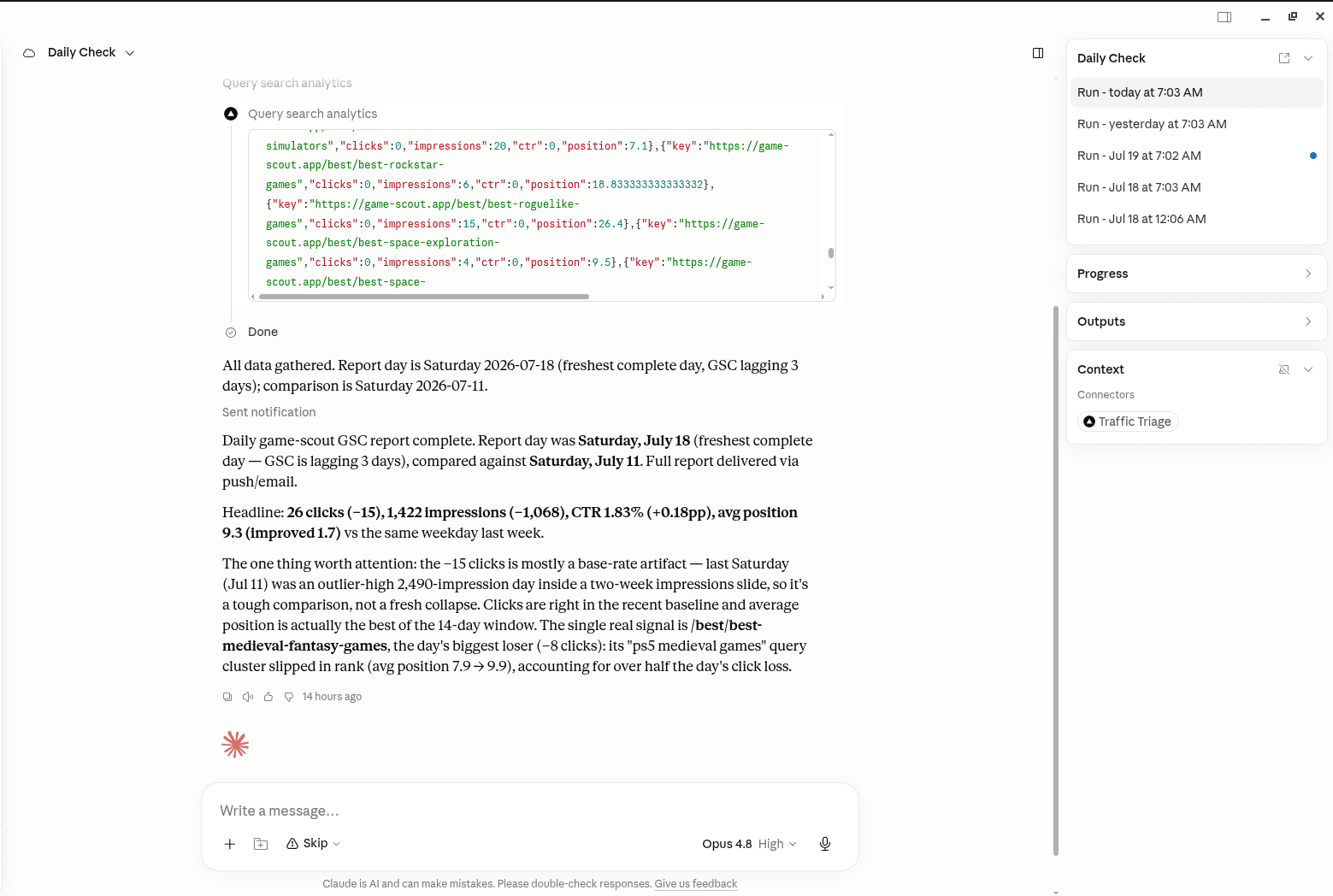
TrafficTriage plugs into Claude, Cursor, and ChatGPT. Your assistant runs the 8 checks, reads your Search Console data, and can even check your site every morning. Free account, no API key, nothing to install.