
 TrafficTriage
Page With Redirect in Search Console but the Page Exists
By Ugur Saritepe · October 28, 2026
Search Console says Page with redirect for a URL you know is a real page, because a redirect rule written months ago still claims that address and answers before your page does. Request the URL without following redirects: a 301 means a rule, not your page, is replying.
The check that splits the problem in thirty seconds
Fetch the URL and stop at the first response instead of following it. In curl that is -I without -L, and the status line is the whole answer.
curl -sI https://example.com/your-page | head -3

HTTP/2 301
location: https://example.com/some-other-page
A 301 or 308 with a location header means something between the request and your page answered on its behalf. A 200 means your page is being served and Search Console is reporting a state that has since changed, so the fix is to request indexing rather than to hunt for a rule.
Why the rule wins even though the page exists
Redirect rules live in deploy configuration, which is evaluated before your application router ever sees the request. In Next.js the redirects() array in next.config.ts is matched first, so a source path listed there never reaches a route file of the same name. That is the case we confirmed on our own site on 2026-09-23, and it is the behaviour described in the Next.js redirects reference.
Other hosts keep the same kind of rule in their own file, and those are the places to look: _redirects or the [[redirects]] block in netlify.toml on Netlify, the redirects key in vercel.json on Vercel, and redirect rules in the Cloudflare dashboard. We have not tested the precedence on those three, so check yours with a request rather than assuming it matches Next.js.
Nothing about this is a bug, and nothing in your codebase looks wrong. The route file exists, the page renders in local development if you visit it directly through the router, and the only evidence is the status line on a deployed request.
Google's redirects documentation describes what happens next: Googlebot follows the redirect, and the indexing pipeline uses the redirect as a signal that the redirect target should be canonical. So the destination gets indexed, your URL does not, and Page with redirect is Search Console reporting that faithfully. That documentation covers redirects you meant to create. It does not cover a rule that outlived its reason, which is the case here.
What happened on our own site, in dates
We run game-scout.app, a game discovery site with a hundred or so curated lists. Over 2026 we consolidated several thin list pages into stronger ones and redirected the retired slugs to their replacements. Two of those rules are the ones that caused this.
2026-05-15  a488716  redirect /best/best-knight-games -> /best/best-medieval-fantasy-games
2026-06-13  340dc00  redirect /best/best-action-horror-games -> /best/best-action-games
2026-09-05  9dfe83d  publish a new curated list at /best/best-action-horror-games
2026-09-09  5aba0b1  publish a new curated list at /best/best-knight-games
Months later an automated routine that builds curated lists picked both of those slugs again. Nothing stopped it: no list was registered at either address, which is the only thing it checks. It published two full lists, each with a roster and editorial copy, and both were registered in the site's list index. Being registered means they are also emitted into the sitemap, so we were submitting two URLs to Google that redirect away from themselves.
Here is what Google had to say about both URLs when I inspected them on 2026-09-23, through our own URL Inspection tool:
                   /best/best-knight-games   /best/best-action-horror-games
coverageState      Page with redirect        Page with redirect
pageFetchState     SUCCESSFUL                SUCCESSFUL
googleCanonical    /best/best-medieval-...   /best/best-action-games
lastCrawlTime      2026-09-15                2026-07-13
The two crawl dates are the part worth sitting with. The knight list shipped on 2026-09-09 and Google came back to that URL on 2026-09-15, six days later, and met the 301 again. The action-horror list shipped on 2026-09-05, and Google's last crawl of that URL is 2026-07-13, fifty-four days before the page existed. Its verdict is not wrong so much as old, and it will stay that way until something asks Google to look again.
What we had checked, and what we had not
We did have a test for retired lists. It takes a hand-written list of slugs we retired and asserts that each one has a redirect. It passed the whole time, because it was true the whole time. Nothing anywhere checked the other direction: that no redirect source is also a live page.
That is the assertion we needed, and it is four lines:
for (const { source } of redirects) {
  const slug = source.replace("/best/", "");
  assert.ok(!liveSlugs.has(slug), `redirect source ${source} is a live page`);
}
Both redirects are still in our config as I write this, on 2026-09-23. We found them on the same day and have not shipped the fix yet, which is the honest version of how long this kind of thing survives once nothing is checking for it. The assertion above is not written either.
Nobody decided to leave it there, because nobody knew. It surfaced while I was answering an unrelated question about a page template. This is the line that started the session, typed on 2026-09-23:
Can you check exapmle from v2, how is it going so far
Answering it meant a status check on every page the routine had published, and two of them came back Page with redirect.
How to find yours
- List the URLs Google put in this bucket. In Search Console, open the Pages report under Indexing and find the Page with redirect row. It groups every URL Google met a redirect on, which for most sites is mostly legitimate.
- Filter that list against your own routes. Any URL in it that your codebase also publishes as a page is a collision. This is the step that finds the problem, and it is the one nobody does, because the report reads like a list of things working as intended.
- Confirm each candidate with a single request. The
curl -sIcheck above, or an index-status lookup that returns the coverage state and Google's chosen canonical together. - Decide per URL: delete the rule, or move the page. If the page at that address is the one you want ranking, the rule has to go. If the old consolidation is still the right call, the new page needs a different slug. Do not keep both.
- Request indexing for the URL. Removing the rule makes the URL eligible again; it does not schedule a crawl. Our action-horror URL had not been fetched in fifty-four days, so nothing would have happened on its own for a long time.
Then check the two places that quietly advertise the broken address:
- Your sitemap. If it is generated from a registry of pages, as ours is, a page that redirects is still a registered page and still gets emitted. See what an XML sitemap is for for why a sitemap full of redirecting URLs is worse than a smaller honest one.
- Your internal links. Every link pointing at the redirected slug is spending a crawl on a hop. Both of our URLs showed exactly one referring page in URL Inspection.
Verify the fix
Deploy, then run the same request that diagnosed it. You are looking for a 200 where the 301 used to be:
curl -sI https://example.com/your-page | head -1

HTTP/2 200
Then inspect the URL in Search Console and request indexing. The coverage state will still read Page with redirect until Google re-crawls, because it is reporting the last fetch, not the current state of your site. When it changes, it changes to URL is on Google or to a normal indexing state you can work with, and the page starts competing like any other. If it comes back as discovered, currently not indexed instead, that is a different problem with a different fix.
Two related failures worth knowing, because they look similar from the Search Console side and are not the same thing: two of your own pages competing for one query, where a 301 is the fix rather than the fault, and the canonical tag, which is how you tell Google which URL is the real one when you are not redirecting at all. More symptoms and their fix order are in symptom guides.
FAQ
What does Page with redirect mean in Search Console?
It means Googlebot asked for that URL and got a redirect instead of a page, so Google indexed the destination and not the URL you inspected. Google's own documentation says the indexing pipeline treats the redirect as a signal that the target should be canonical. It is only a problem when the URL you inspected is supposed to be a real page.
Why does my new page redirect to an old page?
Because a redirect rule for that path was written before the page existed and still runs. In Next.js the redirects array in next.config.ts is matched before your app's routes, so the rule wins no matter what you later publish at that address. On game-scout.app two lists published in September 2026 were served by rules written in May and June of the same year.
How do I check whether a redirect is shadowing a page?
Request the URL without following redirects and read the status line. A 301 or 308 with a Location header means a rule answered before your page did. Then search your deploy config for the path: in Next.js that is the redirects array in next.config.ts, on Netlify the _redirects file, on Vercel the redirects key in vercel.json.
Will Google index the page once I remove the redirect?
Once the URL returns 200 it becomes eligible again, but not on a schedule you control. One of our two URLs had last been crawled 54 days before the page was even published, so nothing would have changed there until Google came back. Request indexing for the URL in Search Console rather than waiting for the next crawl.
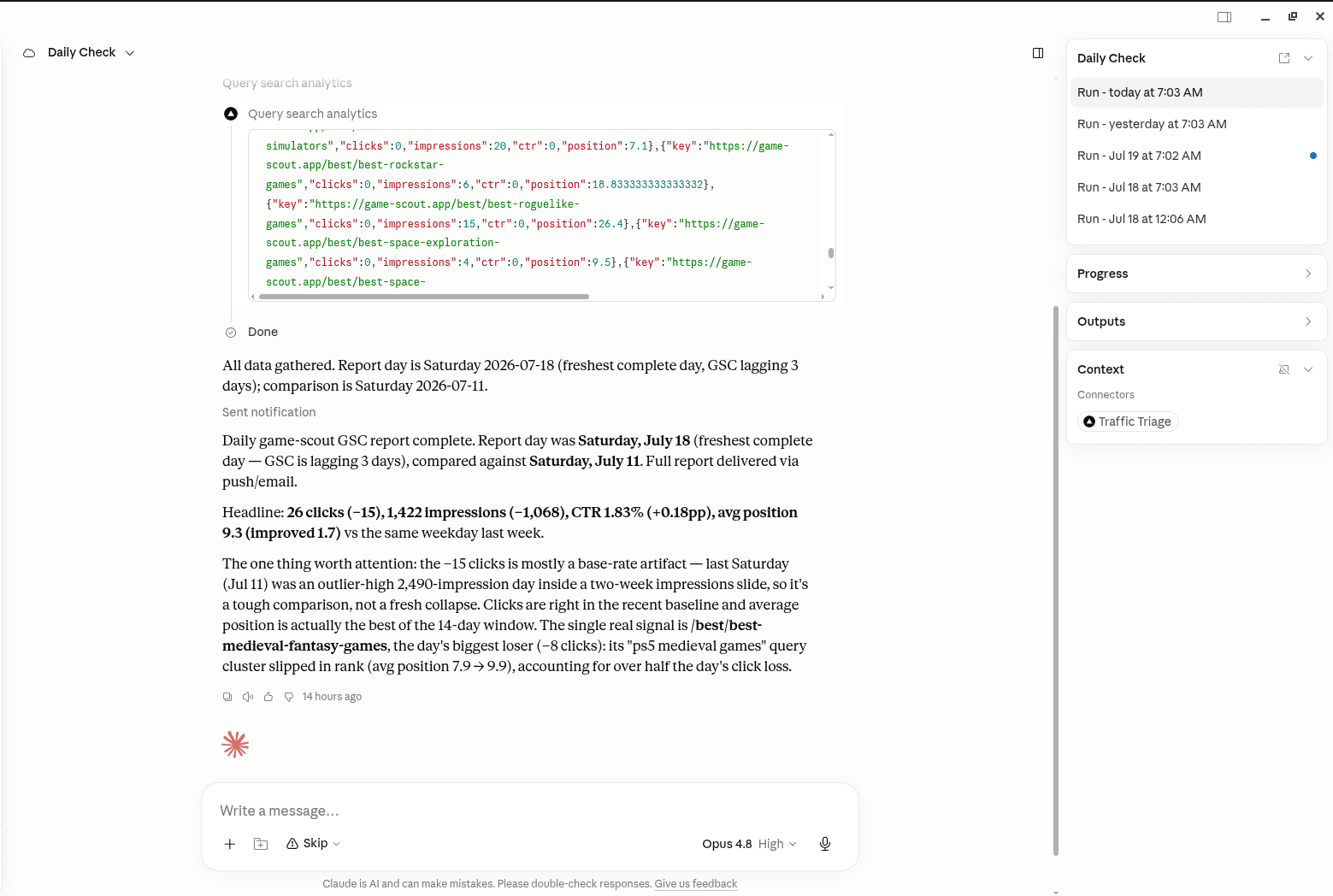
Ask Google what it actually thinks of a URL, one page at a time. Create a free account, connect Search Console, and the MCP serverlets your assistant pull the index status of any URL you name: the coverage state, Google's chosen canonical against the one your page declares, and the date of the last crawl. That is the three-line answer that told us two published pages were being redirected away from themselves. It is read-only against Google, and you can ask it about a list of URLs in one conversation instead of inspecting them one by one in the interface.
In your AI assistant
Ask your AI about your own site
TrafficTriage plugs into Claude, Cursor, and ChatGPT. Your assistant runs the 8 checks, reads your Search Console data, and can even check your site every morning. Free account, no API key, nothing to install.