
 TrafficTriage
Base44 App Not Showing Up on Google? The 60-Second Triage
By Ugur Saritepe · July 31, 2026
Your Base44 app works in the browser, but Google acts like it doesn't exist. The first question is which URL you gave Google: a free base44.app address or a custom domain. While writing this we fetched three live Base44 apps exactly the way Googlebot does, and every one returned a tiny empty shell titled Base44 APP. Here is how to find your exact cause.
The 60-second self-diagnosis
On Base44, browser view-source can mislead you: the platform serves crawlers a separately prerendered version of your app (a copy written out as plain HTML in advance), so the only honest test is to fetch your URL with a crawler's user agent. Run this in a terminal (your real URL, trailing slash included):
curl -s -A "Googlebot" https://your-app-url/
Now search the output for a sentence that actually appears on your page. The result splits the problem space in two:
- Your content is missing and the title says
Base44 APP: Google receives nothing worth indexing. That is causes 1 to 3 below, and if you are on a freebase44.appaddress, it is almost certainly cause 1. - Your real content is there: the app is readable and your problem is setup or patience. Jump to causes 4 to 6.
Causes on a free base44.app address
1. You published on the free subdomain
This is the big one. On July 31, 2026 we fetched three live, publicly indexed *.base44.app apps with a Googlebot user agent. All three served the same pattern: under 2 KB of HTML, the literal title Base44 APP, no meta description, no canonical tag (the line that tells Google which URL is the real one), and an empty <div id="root"> where the content should be. The HTML sent to Googlebot was byte-identical to the HTML sent to a normal browser, meaning no prerendered version was served at all.
That matches Base44's own SEO documentation, which states the SEO setup is designed and supported for apps published on a custom domain, and that free Base44 URLs are not intended for long-term, production SEO. Google can execute JavaScript, but rendering is deferred and unforgiving for single-page apps (Google's JavaScript SEO documentation describes the render queue), and the evidence of how that goes is public: search site:base44.app on Google and you get page after page of apps indexed under the title Base44 APP. Indexed, and still invisible, because there is nothing to rank and nothing a searcher would recognize.
something.base44.app, stop here. Connect a custom domain in your app's settings and publish there. Every other fix on this page assumes crawlers can receive your real content, and on the free subdomains we tested, they don't.2. The default title is doing your talking
Even when Google indexes your app, a page titled Base44 APPwith no meta description cannot be found by name and earns no clicks from a results page. Base44's docs are explicit that the platform does not set a custom meta description for each page by default; titles it derives from page URLs when it can. The 30-second check:
curl -s -A "Googlebot" https://your-app-url/ | grep -i "<title>\|description"
Good:your product's name in the title and a real description line. Bad: <title>Base44 APP</title> and no description at all. Fix: ask the Base44 AI chat to set a unique title and meta description for every public page, then republish and re-run the check.
3. No sitemap, no robots.txt to guide crawlers
On the free subdomains we tested, /robots.txt and /sitemap.xml both returned 404. A missing robots.txt doesn't block crawling, but a missing sitemap means Google discovers your pages only by following links, which on a small new app can take weeks. Base44 generates both automatically for apps on custom domains, and lets you deploy your own at public/sitemap.xml if you want control. (What a sitemap does and why it matters: our XML sitemap guide.)
30-second check: open yourdomain.com/sitemap.xml in a browser. Good: an XML list of your public pages. Bad:a 404, or your app's loading screen.
Causes on a custom domain
4. The SEO toggle is off, so crawlers get a shell
As of July 2026, Base44's prerendering writes your page content into raw HTML and serves that version to crawlers, refreshing it when you publish. But it is a toggle, and the docs state plainly that disabling it means crawlers see a bare HTML shell with no page content. Because the rendered version goes to crawlers specifically, your browser cannot show you whether it is working. The curl check from the self-diagnosis is the test: fetch your custom domain with the Googlebot user agent and search for your page copy.
Good: your real sentences in the HTML. Bad: an empty <div id="root">. If it is bad, check the SEO and prerendering settings in your app dashboard, republish, and fetch again.
5. You never told Google you exist
Base44 does not verify your domain with Google for you. Search Console verification is a manual step: you add the verification tag, then submit your sitemap yourself. Until that happens, a brand-new domain with no inbound links can sit undiscovered for weeks with nothing technically wrong.
Fix: verify your custom domain in Google Search Console, submit yourdomain.com/sitemap.xml, and use URL Inspection, then Request Indexing, on your homepage. This is also the moment to confirm the canonical tag on each page points at your custom domain, not a leftover URL (what a canonical URL is and why the wrong one hurts).
6. Everything is right and Google is just slow
Base44's docs say indexing takes a few days to a few weeks for new or updated apps, and that matches what we see across platforms. If your crawler-view check shows real content, Search Console is verified, and the sitemap is submitted, the remaining ingredient is time. Give it four weeks before concluding something is broken; past four weeks with zero pages indexed, walk the list above again, because a second cause was hiding behind the first.
The verdict: fix exactly one thing this week
Run these in order and stop at the first hit:
- On
something.base44.app? Connect a custom domain and publish there (cause 1). Nothing else matters until this is done. - Crawler fetch of your custom domain shows an empty shell? Turn the SEO and prerendering setting on and republish (cause 4).
- Title still
Base44 APPor no meta description? Set real ones per page (cause 2). - No sitemap at
/sitemap.xml? Generate or deploy one, and submit it in Search Console along with verifying your domain (causes 3 and 5). - All checks pass and the site is under four weeks old? You are cause 6. Request indexing and genuinely wait.
How to confirm the fix worked
Re-run the crawler fetch against the URL you fixed:
curl -s -A "Googlebot" https://yourdomain.com/ | grep -c "a sentence from your page"
A count of 1 or more means crawlers now receive your content. Then open URL Inspection in Search Console and request indexing. Recrawl typically lands within days; check site:yourdomain.com after a week and confirm your pages appear under their real titles. If you are weighing Base44 against other builders, the same triage exists for each of them in our platform guides, and the closest sibling problem is the Lovable client-rendered shell.
From experience: test as a crawler, not as a visitor
Fetching pages the way crawlers do is the first thing our triage does on any site, and Base44 is the clearest case we have seen for why. In the browser, the three apps we tested on July 31, 2026 were real, working products. In the crawler's view they were 1.8 to 1.9 KB shells with a default title, indistinguishable from one another except for the favicon. Every claim in this guide about what Base44 serves is from those fetches plus Base44's published docs, and each one is a command you can repeat on your own app in under a minute. The pattern to remember: on platforms that prerender for crawlers, your eyes and Google's are looking at two different websites, so test with Google's.
FAQ
Can a free base44.app URL rank on Google?
It can be crawled and indexed, but the three live base44.app apps we fetched in July 2026 all served crawlers an empty HTML shell with the default title, and Base44's own docs say free URLs are not intended for long-term, production SEO. Connect a custom domain before you invest in anything else.
Why does my app appear on Google as Base44 APP?
Because that is the literal default title in the HTML Base44 serves, and nothing on your side replaced it. Google indexed the shell it received. Set a real title and meta description for each page, publish on a custom domain, and request reindexing in Search Console.
Does Base44 generate a sitemap and robots.txt?
On custom domains, yes: Base44 documents that both are generated automatically, and you can ship your own at public/sitemap.xml if you prefer. On the free base44.app subdomains we tested, both /sitemap.xml and /robots.txt returned 404.
How long until my Base44 app shows up on Google?
Base44's docs say a few days to a few weeks, which matches what we see on other platforms. That clock only starts once crawlers receive real HTML on a custom domain and your sitemap is submitted in Search Console. Four weeks past that with zero pages indexed means a blocker from this guide, not lag.
Not sure which cause is yours?
Get a free Triage Report: eight checks run from your URL alone, including the crawler-view fetch from this guide, each scored Critical / Monitor / Healthy, ending with the one thing to fix this week. It renders on your screen in about half a minute, no signup, no email required.
In your AI assistant
Ask your AI about your own site
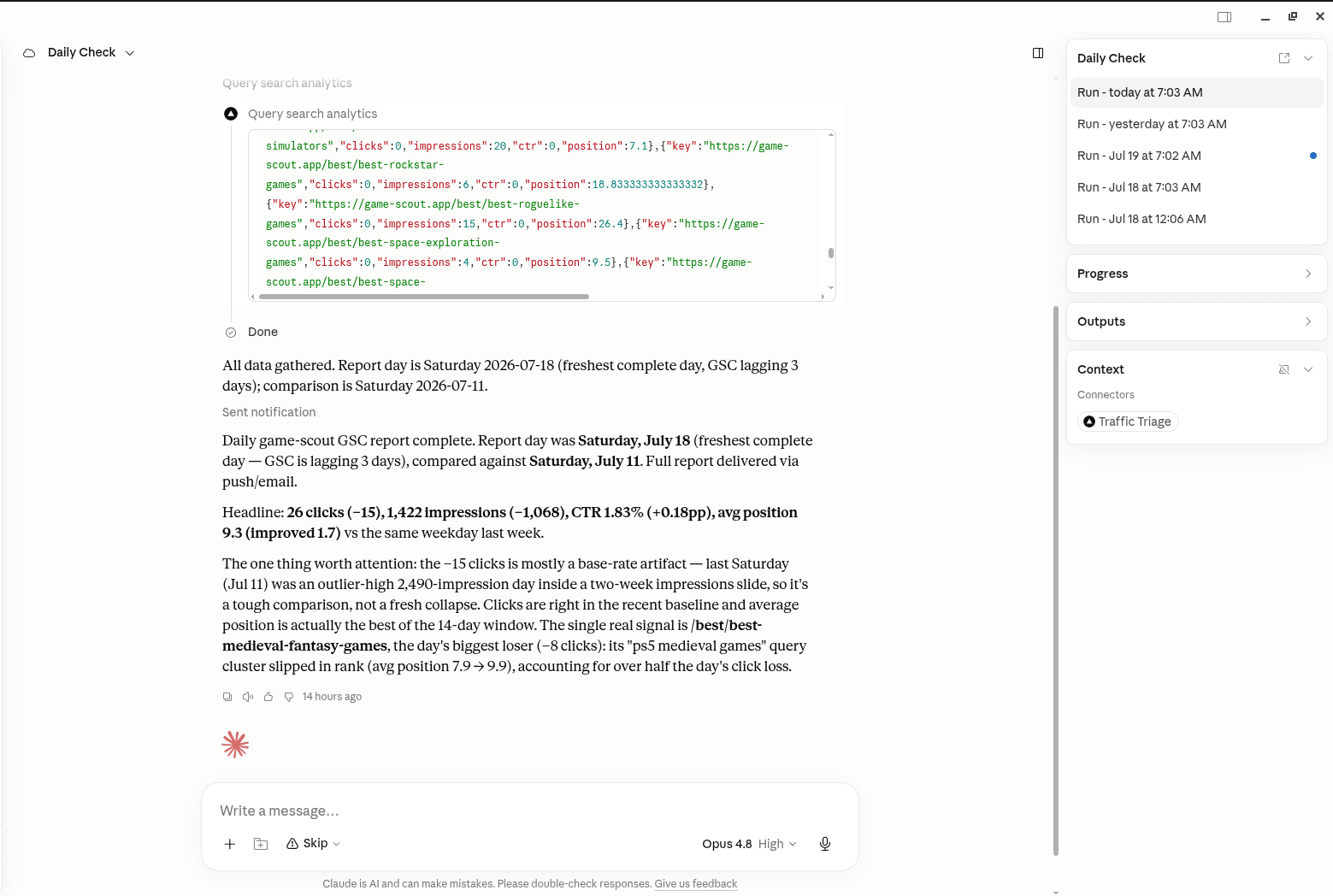
TrafficTriage plugs into Claude, Cursor, and ChatGPT. Your assistant runs the 8 checks, reads your Search Console data, and can even check your site every morning. Free account, no API key, nothing to install.