
 TrafficTriage
Sitemap Success but 0 Discovered Pages? What It Means
By Ugur Saritepe · August 4, 2026
Google Search Console says your sitemap was processed with Success, yet Discovered pages sits at 0. Here is the part the forum threads skip: that number is a lazy counter of what Google parsed at its last read, not a live health meter. One curl command tells you whether you have a real problem or a reporting delay.
The 30-second self-diagnosis: count your own URLs
Fetch your sitemap the way a crawler does and count the URL entries in it:
curl -s https://yourdomain.com/sitemap.xml | grep -c "<loc>"
The number that prints splits the problem space in two:
- It prints your page count. The file is fine and Google said Success because it read that same file without errors. Your 0 is on the reporting side: causes 1 to 3 below. Nothing on your server is broken.
- It prints 0. Google honestly parsed zero URLs because the file it fetched contains zero it can use. That is a real problem: causes 4 and 5.
If your file has URLs: reporting-side causes
1. The counter only moves when Google reads the file
Google's own documentation defines Discovered pages as "the number of page URLs that were parsed from the sitemap" and Success as the sitemap being "fetched and read without any errors", per the Sitemaps report documentation. The catch is timing: the count reflects the last read, and the first read after submission can take days. Until it happens, Success with 0 discovered is the normal resting state of a fresh submission.
30-second check: look at the Last read column in the sitemap row. Good: no date yet, or a date before your latest deploy; the counter simply has not caught up. Bad: a fresh Last read date and still 0; move to the causes below.
2. You submitted a sitemap index and the children lag
A sitemap index, the file that lists other sitemap files instead of pages, aggregates its Discovered pages number from all child sitemaps. Google's documentation states that for an index the count is the count of all URLs in all child sitemaps. Until the children are read and processed, the parent row shows 0 even though everything is configured correctly.
30-second check: click the index row in the Sitemaps report to open the child list. Good: children show Success with their own counts; the parent catches up on its own. Bad: a child shows an error or 0 of its own; diagnose that child with the curl check above.
3. You are reading a number that does not mean indexing
Two counters get mixed up here. Discovered pages counts URLs parsed from the file. Whether those pages are indexed is a different question the sitemap report does not answer: the Search Console API still returns an indexed count of 0 for sitemaps whose pages are demonstrably indexed, as we measured on our own properties. If you are staring at a zero while your pages earn impressions, you are debugging a dead metric.
30-second check: search site:yourdomain.com in Google. Good: your pages appear; indexing is fine regardless of the sitemap counters, and the Pages report is where indexing questions get answered. Bad: nothing appears; your problem is indexing, not the sitemap counter, and our other symptom guides cover that path.
If your file has zero URLs: real causes
4. A dynamic sitemap returns an empty list in production
Generated sitemaps, like app/sitemap.ts in Next.js or a CMS plugin, build the URL list from a data source at request or build time. When that source returns nothing in production, a missing environment variable, an empty database, or a swallowed error, the route still renders a perfectly valid, perfectly empty <urlset>. Google fetches it, parses it without errors, reports Success, and honestly counts 0 URLs.
30-second check: the self-diagnosis curl printed 0, so now look at the raw output:
curl -s https://yourdomain.com/sitemap.xml | head -c 300
Good: <urlset> opens and <url><loc> entries follow. Bad: an opening <urlset> that closes with nothing inside. Fix: run the same data query your sitemap runs, against production, and repair whatever returns empty. Then resubmit once.
5. The XML is valid but not the sitemap protocol
Success means the fetch and read worked, not that your markup matches the sitemaps.org protocol. A handwritten or template-generated file with the wrong element names, or without the xmlns="http://www.sitemaps.org/schemas/sitemap/0.9" namespace declaration on <urlset>, can parse as XML while yielding zero URLs Google recognizes. The same applies when the URL serves something else entirely, like a client-side rendered page that only builds its content in the browser; our XML sitemap explainer shows what a crawler sees in that case.
30-second check: the head -c 300 output again. Good: it opens with <?xml and a namespaced <urlset>, entries are <url><loc>https://...</loc></url>. Bad: different tag names, a missing namespace, or HTML. Fix:generate the file with your framework's built-in sitemap support instead of hand-rolling the XML.
The stop-at-first-hit checklist
- Curl count matches your page count and Last read is empty or old? Counter lag. Wait (cause 1).
- Submitted a sitemap index? Check the child rows (cause 2).
- Pages show up in a site: search? You were reading the wrong metric. Done (cause 3).
- Curl count is 0 with an empty urlset? Fix the data source behind your generated sitemap (cause 4).
- Curl count is 0 with unfamiliar markup?Match the sitemap protocol or use your framework's generator (cause 5).
How to confirm the fix worked
For causes 4 and 5, the curl count going from 0 to your real page count confirms the server side immediately. Then resubmit the sitemap once in Search Console and leave it alone: within days the Last read date refreshes and Discovered pages follows it. For the reporting-side causes there is nothing to fix; confirmation is the Last read date advancing and the count filling in on Google's schedule. If the count fills in but pages still do not get indexed, the sitemap was never your blocker; that diagnosis starts at the sitemap fetch guide only if the status also flips, and otherwise in the Pages report.
From experience: our own counter runs behind
The lag in cause 1 is visible on this very site. We submitted traffictriage.com's sitemap on July 2, 2026. Checked on August 4, 2026, Search Console shows the last read on August 1 with 31 discovered pages, zero errors, zero warnings. The live file served 34 URLs that same day, because we shipped three articles after Google's read. The report is not wrong, it is a snapshot: every number in the sitemap row describes the file as of Last read, not the file you deployed this morning.
The same snapshot logic is why our Triage Reportchecks the live file instead of the console: it fetches your sitemap the way a crawler does, validates the XML against the protocol, follows index children, and test-crawls a sample of the listed URLs. That catches the empty-urlset and wrong-format cases above in seconds, without waiting for Google's next read.
FAQ
How long until Discovered pages updates after submitting a sitemap?
Days to a couple of weeks. The number only changes when Google reads the sitemap, and Google reads on its own schedule. Check the Last read column: no date yet means the first read has not happened, so 0 is expected. Our own sitemap has been re-read roughly every few days to weeks since we submitted it in July 2026.
Does 0 discovered pages mean my site is not indexed?
No. Discovered pages only counts URLs parsed from the sitemap file at the last read. Google can index your pages through links regardless of what this counter shows. Judge indexing with the Pages report in Search Console or a site:yourdomain.com search, never with the sitemap report's counters.
Why does my sitemap index show 0 discovered pages?
A sitemap index row aggregates the counts of all its child sitemaps, so it shows 0 until Google has read and processed the children. Click into the index row and check each child sitemap's own status and count. If the children show Success and counts, the parent number catches up on its own.
Should I delete and resubmit my sitemap to fix the 0 count?
No. Deleting the sitemap from the report and re-adding it does not make Google read it any faster than leaving it alone, and Google retired the sitemap ping endpoint in 2023. Resubmit once after a real fix to the file itself; for a pure counter lag, waiting is the fix.
Not sure whether your sitemap is the real blocker?
Get a free Triage Report: eight checks run from your URL alone, no Search Console access needed, each scored Critical / Monitor / Healthy, ending with the one thing to fix this week. It renders on your screen in about half a minute, no signup and no email required.
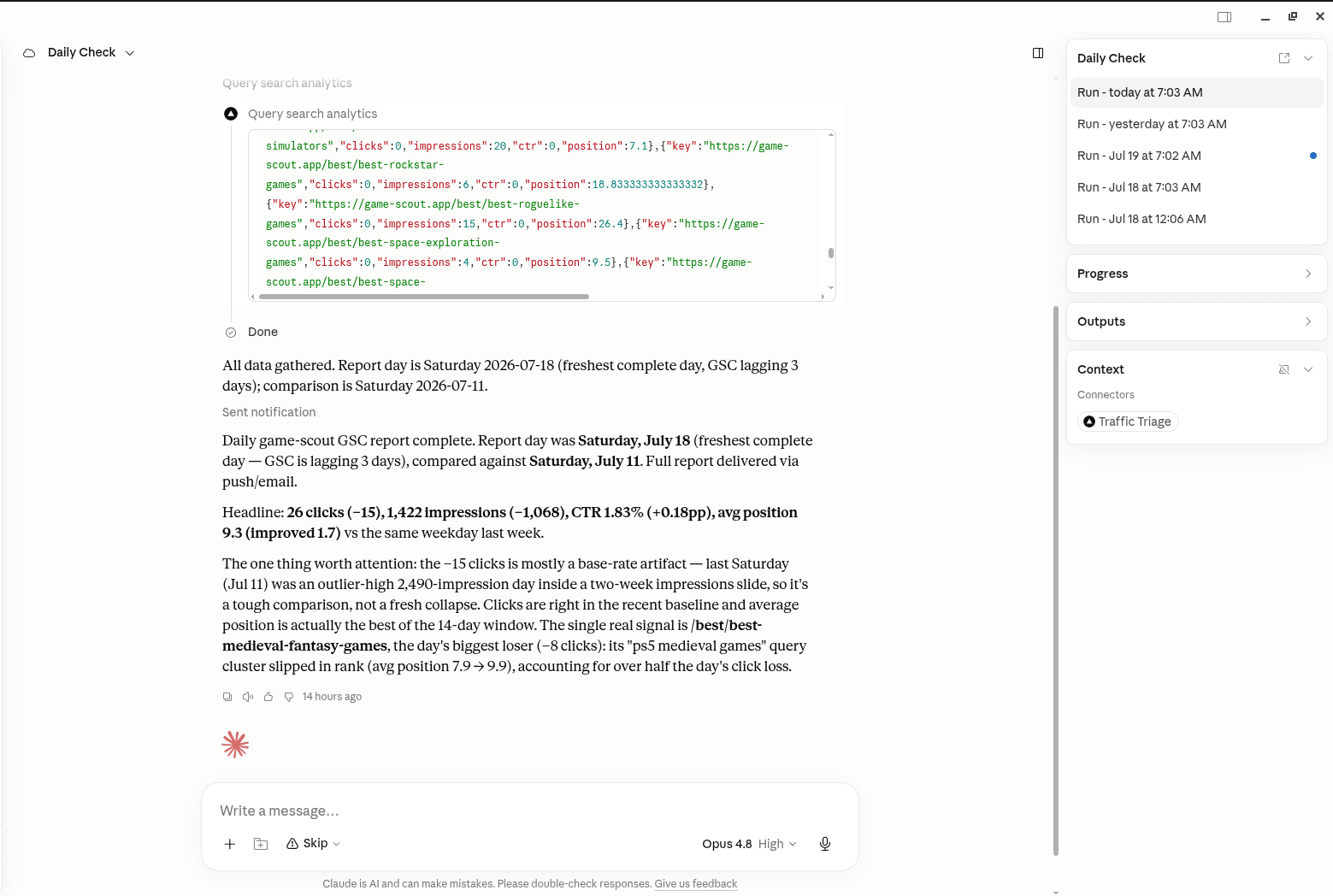
In your AI assistant
Ask your AI about your own site
TrafficTriage plugs into Claude, Cursor, and ChatGPT. Your assistant runs the 8 checks, reads your Search Console data, and can even check your site every morning. Free account, no API key, nothing to install.