
 TrafficTriage
Next.js Sitemap Couldn't Fetch in Search Console: The Fix
By Ugur Saritepe · July 28, 2026
Your Next.js sitemap opens fine in the browser, but Google Search Console says Couldn't fetch. Here is the thing the forum threads miss: this status often does not mean a failed fetch. One field in the sitemap report, the Last read date, tells you whether you have a real problem or a reporting quirk. Start there.
The 30-second self-diagnosis: read Last read
In Search Console, open Indexing → Sitemaps and click the sitemap row. Look at the Last read column (the API calls it lastDownloaded). It splits the problem space in two:
- Last read shows a recent date. Google is fetching your sitemap successfully. The scary status is a reporting-side issue: causes 1 and 2 below. Nothing on your server is broken.
- Last read is empty or weeks old. Google genuinely cannot read the file. That is a real fetch failure: work through causes 3 to 8 with the exact tests below.
If Last read is recent: reporting-side causes
1. You just submitted it and the status is pending
A newly submitted sitemap commonly shows Couldn't fetch before Google's first read attempt, because the report has no successful fetch to show yet. This is the single most common cause in the Sitemaps report and it clears on its own once the first read happens, typically within days.
30-second check: was the sitemap submitted in the last few days, and does the row show no Last read date at all? Good: submitted recently, wait. Bad: submitted weeks ago and still no read date; that is a real failure, continue below.
2. The status and counts lag behind reality
The sitemap report's fields update on their own lazy schedule, and some are simply unreliable. A concrete example from our own properties, checked on July 28, 2026: the Search Console API reports indexed: 0 for the sitemaps of both traffictriage.com and game-scout.app, even though pages from both sitemaps are indexed and earning clicks. If the indexed count can be wrong, so can a stale status.
30-second check: compare the status against Last read. Good: Last read is within the past few days; trust the date, not the status. Bad: both the status and the date say Google is not reading it.
If Last read is empty or old: real fetch failures
Now test what a crawler actually receives. Run this against your production domain, exactly as submitted to Search Console:
curl -sI https://yourdomain.com/sitemap.xml
A healthy Next.js sitemap answers HTTP/2 200 with content-type: application/xml. Ours does exactly that. Each cause below starts from what this command shows you.
3. The submitted URL is not where Next.js serves it
The App Router maps sitemap files to fixed URLs: app/sitemap.ts serves /sitemap.xml, a nested app/products/sitemap.ts serves /products/sitemap.xml, and generateSitemaps splits output across /products/sitemap/0.xml, /products/sitemap/1.xml, and so on. Submitting /sitemap_index.xml or a path from an old site structure gets a 404 forever.
30-second check: the curl above. Good: 200. Bad: 404. Fix: submit the exact URL your file convention produces. We run a nested one in production at game-scout.app/game/sitemap.xml (from app/game/sitemap.ts), and it is read by Google like any root sitemap.
4. The URL returns HTML, not XML
If a catch-all route, a custom 404 page that answers 200, or a login redirect swallows the path, Google receives an HTML page where it expected XML and reports the sitemap as unreadable.
30-second check:
curl -s https://yourdomain.com/sitemap.xml | head -c 200
Good: output starts with <?xml or <urlset. Bad: <!DOCTYPE html>. Find which route is answering (usually a catch-all [...slug] segment or a rewrite in your config) and let the metadata route through.
5. Middleware redirects or gates the sitemap
Auth middleware is a frequent culprit, but the detail matters: middleware running on your sitemap is harmless; middleware redirecting it is fatal. Our own traffictriage.com proxy runs Clerk middleware on every request including /sitemap.xml (our matcher does not exclude .xml files), and Google read the sitemap yesterday, because the middleware only attaches auth context and never gates. The breakage happens when middleware answers a 302 or 307 to a sign-in page, so the crawler gets an HTML login form instead of XML.
30-second check:
curl -sIL https://yourdomain.com/sitemap.xml | grep -i -E "^HTTP|^location"
Good: a single 200. Bad: a 302 or 307 with a location: pointing at /sign-in or similar. Fix: stop protecting the route. Either exclude it from the matcher or make the middleware pass it through:
// middleware.ts (or proxy.ts in Next.js 16)
export const config = {
  matcher: ["/((?!_next|sitemap.xml|robots.txt).*)"],
};
6. You submitted a preview or protected deployment
A your-branch.vercel.app preview URL is the wrong thing to submit. As of July 2026, Vercel marks preview deployments noindex, and with Deployment Protection enabled they answer a redirect to a Vercel login page, so a crawler never reaches the XML at all. Search Console will show Couldn't fetch indefinitely for such a property.
30-second check: does the submitted sitemap URL contain .vercel.app? Good: it is your production custom domain. Bad: it is a preview URL. Fix: verify the production domain as a property and submit the sitemap there. Our Vercel triage guide covers this family of mixups in depth.
7. A dynamic sitemap fails at request time
sitemap.ts is cached by default; it only runs per-request if it uses a request-time API or dynamic config, per the Next.js sitemap docs. A sitemap that queries a database can build fine at deploy time yet throw later when the data source is down, and a crawler hitting that moment gets a 500. Very large sitemaps hit hard limits instead: 50,000 URLs or 50 MB uncompressed per file, after which you must split with generateSitemaps.
30-second check:
curl -s -o /dev/null -w "%{http_code} in %{time_total}s" https://yourdomain.com/sitemap.xmlGood: 200 in under a couple of seconds. Bad: 500, or a response time near your function timeout. Fix: wrap the data fetch in error handling that falls back to a static page list, and split anything approaching the URL limit.
8. A firewall challenges crawlers (and the testing trap)
Bot protection can block Google from your sitemap, but here is the trap that produces false alarms: you cannot test this by curling with a Googlebot user agent. Protection layers verify real crawlers by IP address and reverse DNS, not by the user-agent string, so your spoofed request gets challenged even when real Googlebot passes clean.
We measured this on our own production site on July 28, 2026: a curl against game-scout.app/sitemap.xml with a Googlebot user agent answered HTTP/2 429 with an x-vercel-mitigated: challengeheader, while Search Console showed both of that site's sitemaps read successfully within the previous two days. The spoofed test failed; real Googlebot was never blocked. Vercel's bot management documents the IP and reverse-DNS verification that makes this work.
30-second check: ground truth is the Last read date, not any curl. If plain curl (no fake user agent) returns 200 XML but Last read stays empty for weeks, review custom firewall rules for one that challenges verified bots, and check any third-party WAF in front of your domain.
The stop-at-first-hit checklist
- Last read date recent? Stop. Nothing is broken.
- Submitted less than a week ago? Wait for the first read.
- Plain curl returns 404? Fix the submitted URL (cause 3).
- Body starts with HTML? Find the route or redirect swallowing the path (causes 4 and 5).
- URL contains .vercel.app? Submit the production domain instead (cause 6).
- Intermittent 500s or timeouts? Harden the dynamic sitemap (cause 7).
- Everything passes but Last read stays empty? Audit firewall rules, and never trust a spoofed-user-agent test (cause 8).
How to confirm the fix worked
Resubmit the sitemap once in Search Console, then leave it alone. Within a few days the status should flip to Success and Last read should show a fresh date. That date updating is the entire confirmation; ignore the indexed count for the reasons in cause 2. If you also fixed a middleware or firewall issue, a plain curl -sI returning 200 with an XML content-type confirms the server side immediately. While that output is on your screen, glance at the cache-control line too: a no-store value there means every request re-renders the page, a separate problem worth five minutes. If the sitemap reads clean but pages still are not getting indexed, the sitemap was never your blocker; our other symptom guides cover what to check next.
The faster way to tell whether the sitemap was ever the problem is to look at what the property was already doing. Export your Performance data from the same Search Console screen and drop it into our free Search Console report — one verdict and 6 checks on 3 months of your own numbers, read in your browser, nothing uploaded, no signup.
What we run in production
This guide comes from operating three Next.js App Router sitemaps on Vercel, checked against Search Console on July 28, 2026: traffictriage.com's app/sitemap.ts(29 URLs, submitted July 2, read cleanly since), and game-scout.app's root sitemap plus a nested app/game/sitemap.ts (105 and 150 URLs, both read within the last two days). One of the three passes through Clerk auth middleware on every fetch; one sits behind bot protection that challenges spoofed crawlers. Both conditions that fill forum threads with fear run clean in front of real Googlebot.
The same decision tree is what our automated Triage Report runs on any URL you give it: it looks for the sitemap at /sitemap.xml, in robots.txt Sitemap: lines, and at /sitemap_index.xml, validates the XML, follows index children, and test-crawls a sample of the listed URLs to catch exactly the HTML-instead-of-XML and error-status cases above.
FAQ
How long does Couldn't fetch take to clear after I fix the cause?
Days, not hours. Google re-reads sitemaps on its own schedule, and a freshly submitted sitemap often shows Couldn't fetch until the first successful read. Fix the cause, resubmit once, and check the Last read date after two or three days. Resubmitting in a loop does not speed it up.
Does Couldn't fetch mean my pages are deindexed?
No. A sitemap is a discovery aid, not an index command. Google can find and index your pages through links even while the sitemap report shows an error. Check the Pages report in Search Console for actual indexing state; the sitemap status only tells you whether the sitemap file itself was read.
My sitemap shows Success but 0 indexed pages. Is that a problem?
Treat the indexed count in the sitemap report as unreliable. The Search Console API reports 0 indexed for both of our production sitemaps even though pages from them are indexed and earning clicks. Use the Pages report, or a site: search, to judge indexing. Success plus a recent Last read date means the sitemap itself is fine.
Can I force Google to re-fetch my sitemap?
Resubmitting the sitemap in Search Console is the only supported nudge left; Google retired the old sitemap ping endpoint in 2023. Deleting the sitemap from the report and re-adding it does not make Google fetch it faster than a plain resubmit.
Want the whole site checked, not just the sitemap?
Get a free Triage Report: eight checks run from your URL alone, no Search Console access needed, each scored Critical / Monitor / Healthy, ending with the one thing to fix this week. It renders on your screen in about half a minute, no signup and no email required.
In your AI assistant
Ask your AI about your own site
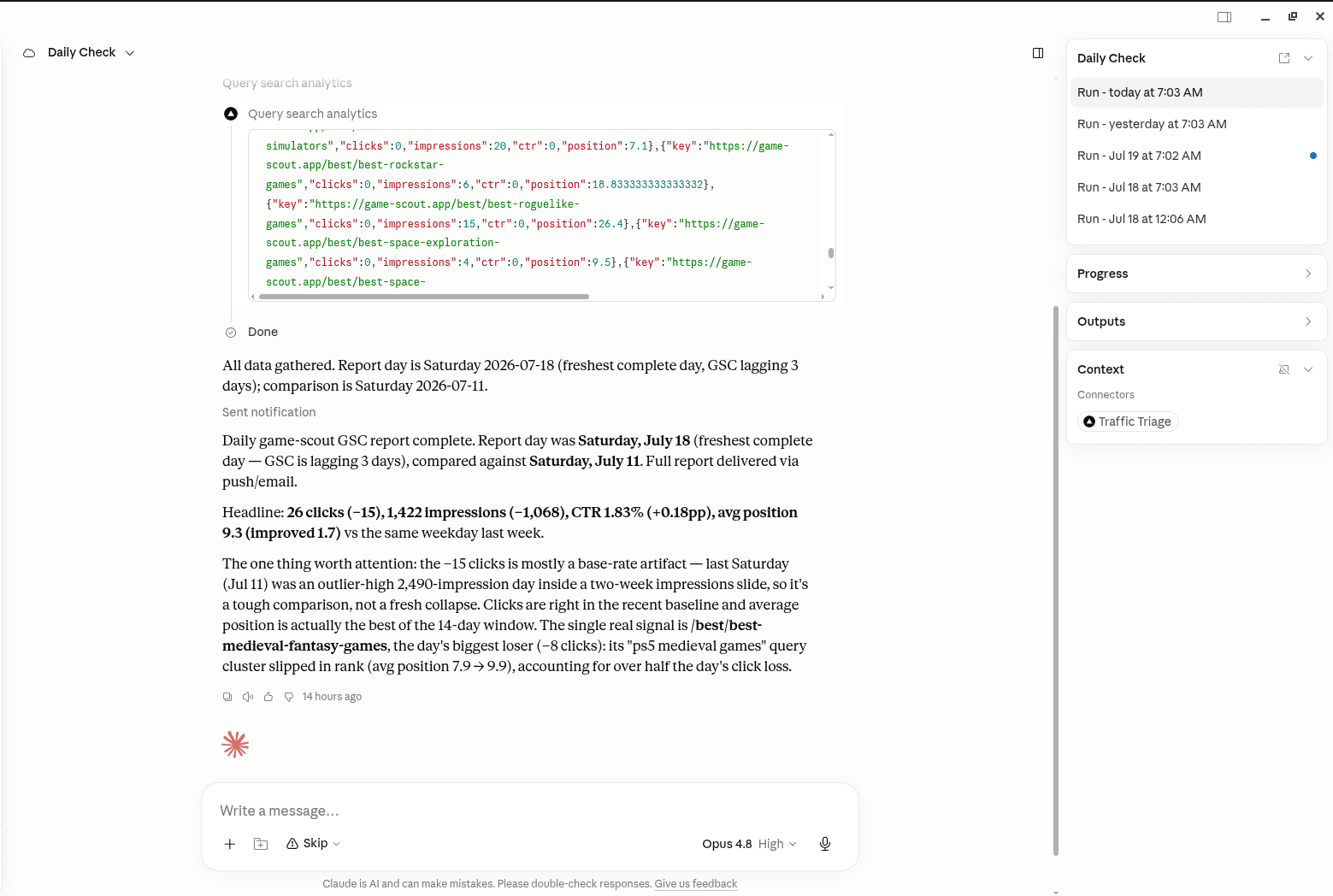
TrafficTriage plugs into Claude, Cursor, and ChatGPT. Your assistant runs the 8 checks, reads your Search Console data, and can even check your site every morning. Free account, no API key, nothing to install.