
 TrafficTriage
URL Is Unknown to Google: What It Means and the Fix
By Ugur Saritepe · August 5, 2026
You inspected a page in Search Console and got “Page is not indexed: URL is unknown to Google”. It means exactly one thing: Google has never seen this exact URL. Nothing was crawled, judged, or rejected. Either you inspected a different URL than the one Google knows, or your site gives Google no path to discover the page. One search separates the two.
The 30-second self-diagnosis
URL Inspection reports on the exact character string you typed, not on the page as a concept. So first find out whether Google knows the page under a different address. Search Google for your page's path:
site:yourdomain.com/your-page-path
- The page shows up. Google knows it fine; you inspected a variant it never saw. That is cause 1, and the fix takes a minute.
- Nothing shows up. Google genuinely has never met this page. Work through causes 2 to 4: they are the three ways a site fails to introduce a URL.
The four causes, in the order to check them
1. You inspected a variant Google never saw
https://example.com/pricing and https://www.example.com/pricing are two different URLs to the inspection tool. So are the versions with and without a trailing slash, http vs https, and any difference in letter case or query string. If Google indexed one variant and you inspect another, the tool can honestly answer that it has never seen the URL you typed.
30-second check: open the page in a browser, let any redirects settle, then copy the final URL straight from the address bar. Compare it with what you inspected, character by character. Good: the strings match exactly. Bad: any difference at all.
2. The page is in no sitemap and nothing links to it
Google discovers URLs two ways: from your XML sitemap (the machine-readable list of pages you want crawled) and by following links from pages it already knows. A page missing from the sitemap with no internal links pointing at it is an orphan: reachable if you know the address, invisible if you are a crawler.
30-second check: open yourdomain.com/sitemap.xmland search the page's path with Ctrl-F. Then check whether any menu, index page, or related article on your site links to the page. Good: the URL is in the sitemap and at least one indexed page links to it. Bad: neither is true.
Fix: add the URL to the sitemap and add one real link from a page Google already indexes, a category page or a related post. Do both: the sitemap gets the URL seen, the internal link tells Google the page matters to your site.
3. Google cannot read your sitemap at all
A perfect sitemap that Google cannot fetch introduces nothing. In Search Console, open the Sitemaps report and read two fields: the status and the last read date. Good: Success with a recent date. Bad: Couldn't fetch, or a success date from weeks ago, which means every page you published since then is being introduced by internal links alone. If fetching is the problem, our guide to Couldn't fetch in Search Console walks the causes.
4. The URL is genuinely brand new
If the page went live today and the plumbing above is in place, the unknown verdict is just a timestamp: Google has not made its next pass yet. This resolves on its own in days. On our own site, a page published on July 26, 2026 with a sitemap entry and internal links at launch was serving Google impressions on July 27, one day later.
Fix: click Request Indexing for the page, then stop. One request queues the URL; clicking it daily does not move you up the queue. If the URL is still unknown after a week, one of causes 1 to 3 is the real blocker.
What this status does not mean
The not-indexed verdicts form a ladder, and this one is the bottom rung. Each status tells you how far Google got:
- URL is unknown to Google: never saw the URL. A discovery problem; this guide.
- Discovered - currently not indexed: knows the URL, has not crawled it. A crawl-priority problem; covered separately.
- Crawled - currently not indexed: crawled the page, has not indexed it. A quality and demand question.
- Submitted and indexed: in the index; done.
Because Google never saw an unknown URL, the status is not a judgment of the page. There is no penalty, no quality signal, nothing to appeal. That also means the fix is never on the page itself: better copy or new meta tags change nothing when the problem is that no crawler has the address.
The verdict: fix exactly one thing this week
Run the checks in this order and stop at the first hit:
- Address-bar URL differs from the inspected one: inspect the settled URL (cause 1). Most “unknown” verdicts on established pages end here.
- Page missing from the sitemap or orphaned: add it and link it (cause 2). This is the fix that also covers every future page.
- Sitemap unreadable or stale: repair the sitemap before touching anything else (cause 3).
- Everything checks out and the page is days old: request indexing once and wait (cause 4).
How to confirm the fix worked
Re-inspect the same URL two or three days after the fix. The verdict should move up the ladder: from unknown to discovered, crawled, or straight to indexed. Movement to any other status means discovery worked and your job here is done; if the new status is one of the “currently not indexed” pair, that is a different problem with its own entry in our symptom guides. No movement after a full week means a cause you skipped is still active, so walk the list again from the top.
From experience: discovery is plumbing, not luck
Both halves of this guide come from running our own sites. The one-day number is measured: on game-scout.app, our Next.js side project, we published a new list page on July 26, 2026. It was in the sitemap the moment it deployed, because the sitemap is generated from the same code that creates pages, and it was linked from an indexed hub page at launch. Search Console shows its first Google impression on July 27. Google never had to be asked; it followed the plumbing.
The orphan cause is also first-hand. The same week, we found a set of guide pages on that site that no other page linked to. They had been published and forgotten, exactly the pattern that leaves URLs unknown or stuck at discovered. We added links from the relevant hub pages and then wrote an automated test that fails the build if any article ships without an internal link pointing at it. That is the honest lesson: orphans are not a mistake you make once, they are a mistake you make every week until a system catches them.
FAQ
Is URL is unknown to Google bad?
No. It is the mildest of the not-indexed statuses: Google has simply never seen that exact URL, so nothing was crawled, judged, or rejected. It becomes a problem only when the URL stays unknown for weeks, because that means your site gives Google no path to discover the page.
What is the difference between URL is unknown to Google and Discovered - currently not indexed?
URL is unknown to Google means Google has never seen the URL at all. Discovered - currently not indexed means Google knows the URL exists, from your sitemap or a link, but has not crawled it yet. Unknown is a discovery problem; discovered is a crawl-priority problem, and the fixes are different.
How long does it take Google to discover a new URL?
With the discovery plumbing in place, days, not weeks. On our own small site, a page published on July 26, 2026 that was in the sitemap and internally linked at launch appeared in Google search results the next day. Without a sitemap entry or any internal links, discovery can take weeks or never happen.
Does clicking Request Indexing fix URL is unknown to Google?
For the one URL you inspect, usually yes: Request Indexing queues that exact URL for a crawl, which is exactly what an unknown URL needs. But it fixes one page at a time and does nothing for the next page you publish. If URLs keep showing up as unknown, fix the sitemap and internal links instead of clicking the button daily.
Not sure whether discovery is your only problem?
Get a free Triage Report: eight checks run from your URL alone, including sitemap health, one-site-version, and index signals. Each is scored Critical / Monitor / Healthy, ending with the one thing to fix this week. It renders on your screen in about half a minute, no signup, no email required.
In your AI assistant
Ask your AI about your own site
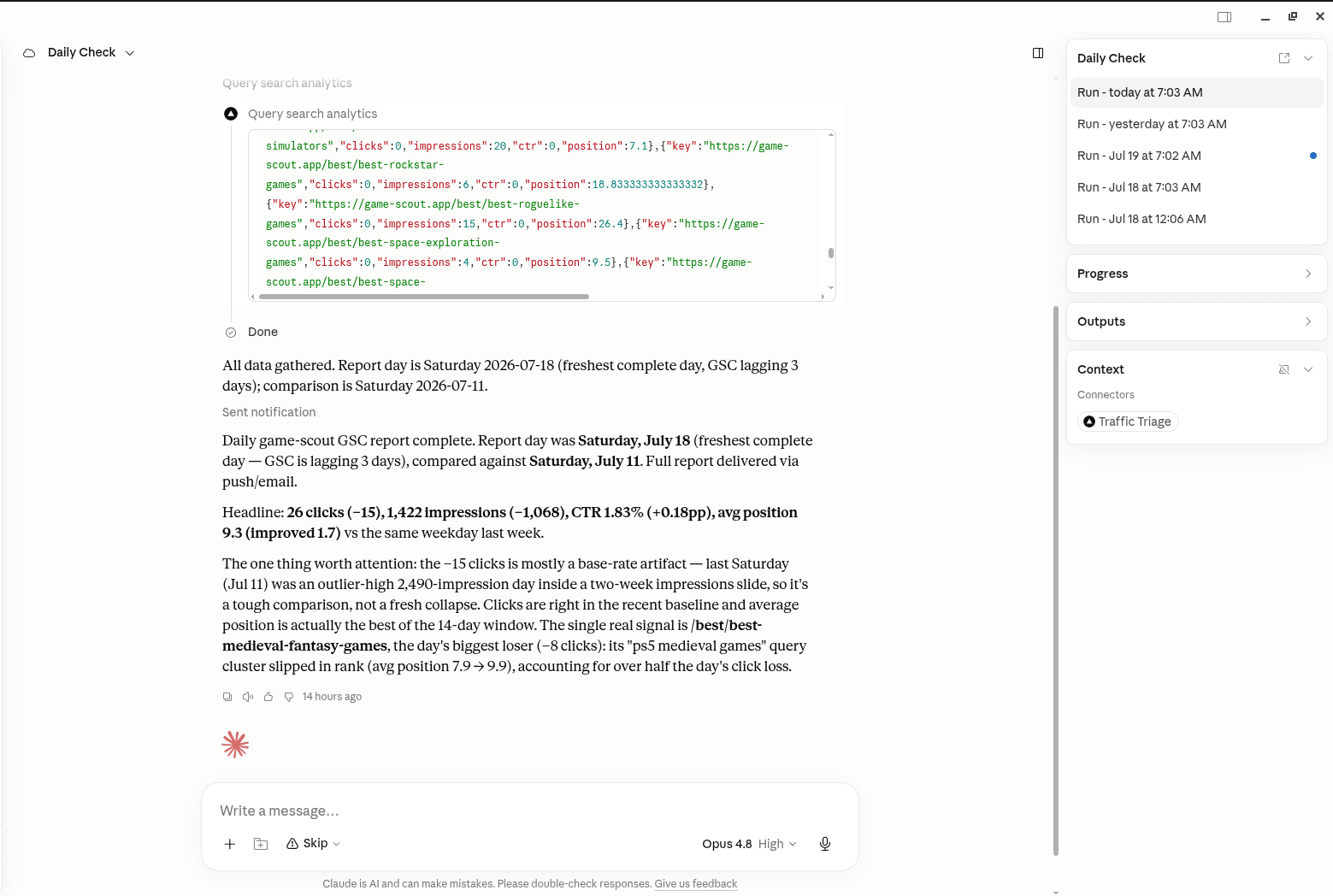
TrafficTriage plugs into Claude, Cursor, and ChatGPT. Your assistant runs the 8 checks, reads your Search Console data, and can even check your site every morning. Free account, no API key, nothing to install.