
 TrafficTriage
Bubble App Not Showing Up on Google? The 60-Second Triage
By Ugur Saritepe · August 1, 2026
Your Bubble app works perfectly in the browser, and Google acts like it does not exist. In almost every case the cause is one of six specific things, most of them settings you can change today. One of them, the empty HTML shell, has no real fix on Bubble, and this guide is honest about what that means.
The 60-second self-diagnosis
First, be precise about which URL you are testing. A Bubble app can live at four addresses: yourapp.bubbleapps.io, the same with /version-test/in the path (the development version), a custom domain, and the custom domain's development version. Google treats each as a different place, and half the confusion in Bubble forum threads comes from checking one URL while the problem lives in another.
Now search Google for site:yourapp.bubbleapps.io or site:yourdomain.com (whichever you actually share):
- Zero results. Google has indexed nothing. Work through causes 1 to 4 below, in order.
- Results show, but titled “Bubble” or “Check out my Bubble app”.You are indexed under Bubble's factory defaults. Jump to cause 3.
- The homepage shows but your other pages don't. Look at causes 4 to 6.
The six causes, most likely first
1. You are testing the development version (or can't deploy at all)
Every Bubble app has two versions: development, served under /version-test/, and live, served at the plain URL. Bubble blocks the development version from search engines by design. We fetched a live app's robots.txt on August 1, 2026 and the default is exactly this:
User-agent: *
Disallow: /version-test/
So if the URL you have been sharing and testing contains /version-test/, Google is obeying a no-entry sign that Bubble put up for you. And there is a harder version of this problem: the free plan cannot deploy to live at all. Bubble's pricing plans reserve live deployment for paid tiers (Starter and up), which means a free-plan app only exists at a blocked URL. No setting inside the editor changes that.
30-second check: look at the address bar of the URL you share. Good: no /version-test/ in the path, and you have clicked deploy to live at least once. Bad: the path contains /version-test/, or you are on the free plan.
2. You never told Google the app exists
A new app on a bubbleapps.iosubdomain with no links pointing at it can sit undiscovered for weeks. There may be nothing broken at all; Google just hasn't met you. Bubble generates a sitemap for you, but only after you turn it on: in Settings, on the SEO / metatags tab, check Expose a sitemap file and select the pages to include.
Fix: verify your app in Google Search Console, submit yourapp.bubbleapps.io/sitemap.xml(or your custom domain's), and use URL Inspection, then Request Indexing, on your index page. First pages typically appear within days. If four or more weeks pass with Search Console verified and still zero pages indexed, stop waiting: one of the other causes is blocking you. Our guide to what an XML sitemap is covers what a healthy one looks like.
3. Your app still wears Bubble's factory identity
This is the cause behind every “my app shows up as Bubble Application on Google” forum thread. We fetched an unconfigured live Bubble app on August 1, 2026, and its head contained, verbatim: an OpenGraph title of Check out my Bubble app, a site name of Bubble, and a meta description that is Bubble's own marketing copy (“Bubble introduces a new way to build a web application...”). Every unconfigured app shares those exact strings with thousands of others, so Google either shows the generic branding or skips the page as a duplicate shell.
30-second check: open view-source:https://yourapp.bubbleapps.io and read the <title> and <meta name="description"> lines. Good: your product's name and your words. Bad:Bubble's defaults above.
Fix:in the editor, double-click each page and fill in the page title and the description fields (they accept dynamic data, so a listing page can title itself from your database). Then set your app's own OpenGraph title, image, and site name in Settings on the SEO / metatags tab, deploy, and request reindexing.
4. The raw HTML is an empty shell
This is the structural one. Bubble builds every page in the browser with JavaScript, and there is no setting that changes it. On August 1, 2026 we fetched two live Bubble apps the way a crawler does, with no JavaScript execution: the raw HTML contained one and three visible words respectively, and the body opened with a script tag instead of content. Fetching the same page with a Googlebot user agent returned byte-identical HTML, so Bubble does not serve crawlers a prerendered version either.
Google can still index these pages because Googlebot runs JavaScript, but rendering happens in a deferred second wave with unpredictable delays, as Google's JavaScript SEO documentation describes, and any script error means Google sees the empty shell. Crawlers that skip JavaScript, which includes most AI assistant crawlers, see one to three words forever. The same problem family affects other client-rendered builders; our Lovable guide covers it there.
30-second check: open view-source:https://yourapp.bubbleapps.io (view source, not inspect element, which shows the page after JavaScript ran) and search for a sentence that appears on your page. Good: your real copy is in the raw HTML. Bad: it is not there.
What you can actually do on Bubble: make every page carry real, unique metadata (cause 3), expose the sitemap (cause 2), keep public content on pages a logged-out visitor can reach, and give Google time. What you cannot do is turn on server rendering. If your growth plan depends on many content pages ranking, the honest fix is architectural: serve the marketing and content pages from a server-rendered site on your root domain and run the Bubble app on a subdomain like app.yourdomain.com.
5. Your bubbleapps.io twin competes with your custom domain
On a paid plan with a custom domain attached, your app can be reachable at more than one address, and Google may pick the wrong one as the “real” version. Bubble ships a setting for exactly this: Point URLs to primary domain for better SEO, on the SEO / metatags tab, which makes alternate addresses point at your primary domain. A canonical tag, the line that tells Google which URL is the real one, is how this works under the hood; our canonical URL guide explains it.
30-second check: search site:yourapp.bubbleapps.io while your custom domain shows nothing. If the twin has the results, Google indexed the wrong address. Fix: enable the setting, deploy, and let recrawl consolidate the two.
6. Only logged-in users can see anything
Googlebot is always logged out. If your index page redirects logged-out visitors to a login screen, or privacy rules hide all the content that makes the page worth indexing, then Google sees a login form where you see an app. This also applies to content gated by workflows that only run for logged-in users.
30-second check: open your app in a private browser window with no session. Good: a real page with readable content. Bad: an instant bounce to /login or a blank frame. Fix: give the app at least one public landing page that says what it is, and keep it reachable without an account.
The verdict: fix exactly one thing this week
Run the checks in this order and stop at the first hit:
- URL contains
/version-test/, or you are on the free plan → deploy a live version on a paid plan (cause 1). Nothing else matters until this is fixed. - A private window bounces you to a login page → un-gate a public landing page (cause 6).
- View-source shows Bubble's default title and description → replace the factory identity (cause 3).
- No Search Console, no sitemap submitted → do the introductions (cause 2), then genuinely wait a week.
- The twin address has your results → point URLs at the primary domain (cause 5).
- All of the above pass and indexing is still slow or partial → you are living with the empty shell (cause 4). Mitigate it, and move content pages to a server-rendered host if rankings are the plan.
How to confirm the fix worked
Re-run the 30-second check that caught your cause: the address-bar look, the private window, the view-source read. It should now show the good output. Then open URL Inspection in Search Console for the page you fixed and click Request Indexing. Recrawl typically happens within days; give it a full week before deciding the fix didn't take. If the check passes but pages still don't appear, go back down the verdict list: a second cause was hiding behind the first.
Building on a different platform? The same triage exists for other hosts in our platform guides.
From experience: the empty shell is the most common verdict we give
Of the 260 sites people ran through our Triage engine between July 6 and July 31, 2026 (164 distinct domains), the machine-readability check, which asks whether the raw HTML carries real content before JavaScript runs, was the single most important thing to fix on 78 of them, 30 percent. It scored Critical on 8 percent and Monitor on another 39 percent. That is not a Bubble statistic, it is every platform mixed together, but it is why cause 4 gets the blunt treatment above: an empty shell is the most common reason we end up telling a site owner to change course.
The engine calls a page a shell when the HTML a crawler receives is essentially a mount point with content arriving only after JavaScript runs. The Bubble apps we fetched while writing this guide matched that pattern exactly, at one and three visible words. Bubble is a fine place to build an app; it is a hard place to host the pages you need strangers to find.
FAQ
Can a Bubble app rank on Google?
Yes, but with a handicap. Google can render Bubble's JavaScript-built pages, so they do get indexed, just slowly and less reliably than server-rendered HTML. Apps with real page titles, a submitted sitemap, and public content rank for their niche terms. Content-heavy sites that need hundreds of pages ranking are a poor fit for Bubble alone.
Does Bubble support server-side rendering?
No. As of August 2026 there is no Bubble setting that makes pages arrive as finished HTML. We fetched live Bubble apps the way a crawler does and got one to three visible words; the same HTML was served to a Googlebot user agent. Google runs the JavaScript and sees the page, but crawlers that skip JavaScript, including most AI assistants, see almost nothing.
Why does my app show up as Bubble or Check out my Bubble app on Google?
Those are Bubble's factory defaults, and you never replaced them. An unconfigured app ships with the OpenGraph title Check out my Bubble app, the site name Bubble, and Bubble's own marketing text as the meta description. Set a real page title and description on each page in the editor, and your own OpenGraph identity in Settings, then request reindexing.
Can a free-plan Bubble app get indexed?
Effectively no. The free plan cannot deploy an app to live, so the only working URL is the development version under /version-test/, and Bubble's default robots.txt blocks /version-test/ from all crawlers. To be indexable you need a paid plan (Starter and up) and a deployed live version.
Not sure which cause is yours?
Get a free Triage Report: eight checks run from your URL alone, no Search Console access needed, each scored Critical / Monitor / Healthy, ending with the one thing to fix this week. It renders on your screen in about half a minute, no signup, no email required.
In your AI assistant
Ask your AI about your own site
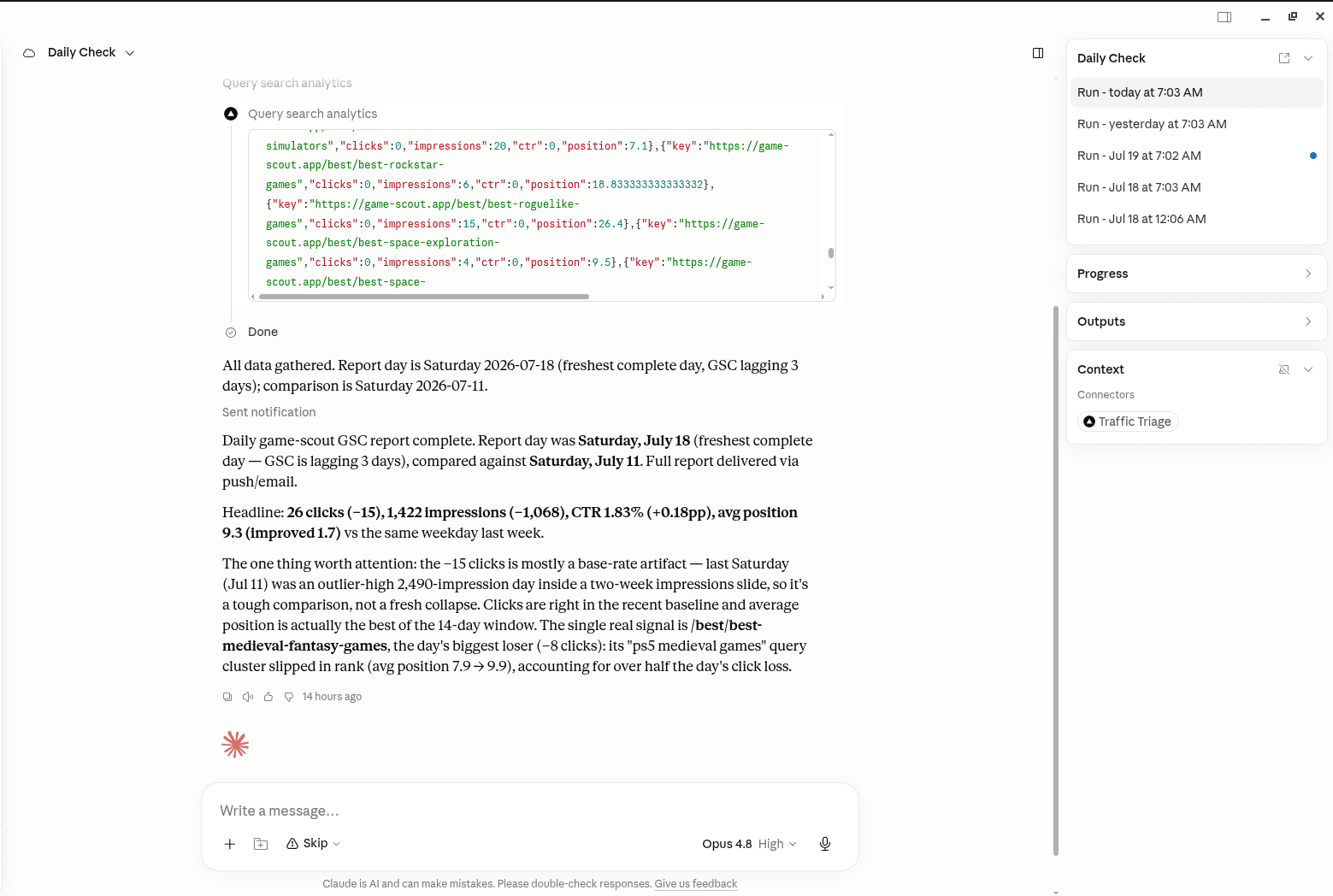
TrafficTriage plugs into Claude, Cursor, and ChatGPT. Your assistant runs the 8 checks, reads your Search Console data, and can even check your site every morning. Free account, no API key, nothing to install.