
 TrafficTriage
Netlify Site Not Showing Up on Google? The 60-Second Triage
By Ugur Saritepe · August 4, 2026
Your site is live on Netlify, it loads instantly in the browser, and Google returns nothing. Before you touch a meta tag, know that this almost always comes down to one of eight specific causes — half on the Netlify side, half in how the site itself is built — and you can find yours in about a minute.
The 60-second self-diagnosis
Search Google for site:yourdomain.com (your real domain, no spaces). The result sorts you into a problem family:
- Zero results. Google has indexed nothing. Your problem is one of causes 1–4.
- Only the homepage shows. Google found you but is skipping the rest. Look at causes 5–8.
- Pages show but nobody clicks. That is a ranking and content problem, not an indexing one — nothing below will move it. It needs a different diagnosis, which is what the Triage Report is built for.
And be precise about which URL you are testing. A yoursite.netlify.app address, a deploy-preview-12--yoursite.netlify.appaddress, and your custom domain are three different sites to Google. A good share of “Netlify won't index” forum threads are people checking one URL while the problem lives in another.
Netlify-side causes (the hosting layer)
1. You're looking at a deploy preview or branch deploy
Netlify serves non-production deploys — deploy-preview-* and branch subdomains — with an X-Robots-Tag: noindex header, as described in Netlify's deploy preview docs. That's a feature: it keeps work-in-progress out of the index. But if the URL you posted on socials and in your bio is a preview URL, Google is obeying your own no-entry sign.
30-second check: run this against the exact URL you have been sharing:
curl -sI https://yourdomain.com | grep -i x-robots-tag
Good: nothing prints. Bad: x-robots-tag: noindex — you are on a non-production URL, or a header rule is marking production too (cause 7).
2. The site only lives at .netlify.app
When you attach a custom domain and set it as the primary domain, Netlify redirects the yoursite.netlify.appaddress to it — so the two never compete. The trouble starts when there is no custom domain, or the primary domain isn't set: the site exists only on a subdomain of netlify.app, a brand-new name with zero links pointing at it, and discovery is slow.
30-second check: if you have a custom domain, confirm the redirect is actually in place:
curl -sI https://yoursite.netlify.app | grep -i location
Good: a location: line pointing at your custom domain. Bad: no redirect — check Domain management in your site settings and set the custom domain as primary, per Netlify's custom domain docs. While you're at it, make sure every page's canonical tag names the custom domain, not the subdomain (cause 8).
3. Site protection is turning crawlers away
Netlify's password protection and basic-auth options do exactly what they promise — to everyone, Googlebot included. A protected site answers 401 before any content is served, so the crawler never sees a page to index. The sneaky version: protection enabled months ago for a client demo and forgotten.
30-second check: curl -sI https://yourdomain.com — the first line must be HTTP/2 200. A 401means protection is on; turn it off for production in your site's access settings.
4. You never actually told Google you exist
A new domain with no inbound links can sit undiscovered for weeks — nothing broken, just unknown. If you launched recently and have not verified the domain in Google Search Console or submitted a sitemap, do that before debugging anything.
Fix: verify the domain in Search Console, submit yourdomain.com/sitemap.xml(many Netlify starters don't generate one — what a sitemap is and how to add yours), and use URL Inspection → Request Indexing on the homepage. First pages typically appear within days. Four or more weeks of verified silence means one of the other causes is blocking you.
Site-side causes (how the build behaves)
5. Your HTML is an empty shell
The most common cause for Vite, Create React App, and most vibe-coded builds deployed to Netlify: the server sends an almost empty <div id="root"> and JavaScript paints the content afterwards. Google can render JavaScript, but rendering is queued and unforgiving — Google's JavaScript SEO documentation describes the deferred second wave — and many SPA pages never make it through.
30-second check: open view-source:https://yourdomain.com (view source, not inspect element) and search for a sentence from your page. Good: your copy is in the raw HTML. Bad:it isn't — Google has to execute your JavaScript to see anything at all.
Fix:pre-render the pages that matter. On Netlify that usually means a framework that emits real HTML at build time — Astro, Next.js, SvelteKit, or your SPA framework's static pre-rendering plugin.
6. Your SPA fallback answers 200 for every URL
The standard single-page-app redirect rule on Netlify looks like this in _redirects:
/* /index.html 200
Every path — including /tpyo, deleted pages, and old URLs — now returns 200 with the same HTML. Google calls these soft 404s: pages that claim to exist but don't. Enough of them and the crawler loses trust in the whole site, spending its visit on junk URLs while your real pages wait.
30-second check: curl -sI https://yourdomain.com/this-page-does-not-exist. Good: 404. Bad: 200. Fix: pre-render real routes so they exist as files, and let genuinely unknown paths return your 404.html. Keep the SPA fallback only for app-like sections that shouldn't be indexed anyway.
7. A _headers file or template robots block
Two leftovers that follow templates around: an X-Robots-Tag: noindex rule in _headers or netlify.toml that someone added for staging, and a robots.txt that still says Disallow: / from before launch. Either one silently vetoes everything else you fix.
30-second check: open yourdomain.com/robots.txt and make sure nothing disallows /; then grep your repo for X-Robots-Tag in _headers and netlify.toml. If Search Console reports the header but your repo is clean, here's how to hunt the source layer by layer.
8. Your canonical tag points at the wrong address
If pages on yourdomain.com carry a canonical tag naming yoursite.netlify.app — usually a hardcoded site URL in the framework config from before the domain was attached — you have formally told Google the page it crawled is a copy of somewhere else. The wrong canonical quietly tanks rankings precisely because everything else looks healthy.
30-second check: in view-source, find rel="canonical" and read the URL character by character — it must match the address bar. Fix: update the site URL in your framework config, redeploy, re-check.
The verdict: fix exactly one thing this week
Run the checks in order and stop at the first hit:
x-robots-tag: noindexor a401on the URL you share → fix the URL or the protection (causes 1 + 3). Nothing else matters until then.- Content missing from view-source → pre-render it (cause 5). Nothing ranks if Google can't read it.
- Canonical naming the subdomain, or no primary-domain redirect → fix both together (causes 2 + 8); they are usually one misconfiguration.
- Fake
200s on garbage URLs, robots or header leftovers → tidy them (causes 6 + 7). - All checks pass and the site is under four weeks old → you are cause 4. Submit the sitemap, request indexing, and genuinely wait.
How to confirm the fix worked
Re-run the exact check that caught your cause — it should now show the good output. Then open URL Inspection in Search Console for the fixed page and click Request Indexing. Give it a full week before concluding the fix didn't take; if pages still don't appear, walk the verdict list again — a second cause was hiding behind the first. Hosting somewhere else? The same triage exists for other hosts in our platform guides.
FAQ
Why is my Netlify site not showing in Google search results?
Almost always one of: you shared a deploy preview or branch URL (Netlify marks those noindex), the site only exists at its netlify.app address and Google hasn't discovered it, an SPA fallback is answering 200 for every URL, or the HTML is an empty JavaScript shell. Run site:yourdomain.com and the checks in this guide to find which one is yours.
Does hosting on Netlify hurt SEO?
No. Production deploys are served fast over a CDN with clean headers, and the noindex on deploy previews protects you from duplicate-content problems. Every Netlify SEO complaint in this guide traces back to configuration — the URL being shared, a redirect rule, a header file — not to the platform.
Can a site on a free netlify.app subdomain rank on Google?
Yes — netlify.app subdomains get crawled and indexed like any site. But you are building history on a domain you don't own, and moving later means starting discovery over plus a redirect you can't fully control. If the project matters, attach a custom domain early and let Netlify redirect the subdomain to it.
How long until a new Netlify site shows up on Google?
With the domain verified in Search Console and a sitemap submitted, first pages typically appear within days and a small site within one to two weeks. Past four weeks with zero pages indexed, stop waiting — one of the blockers in this guide is the real cause.
Not sure which cause is yours?
Get a free Triage Report: eight checks run from your URL alone — no Search Console access needed — each scored Critical / Monitor / Healthy, ending with the one thing to fix this week. It renders on your screen in about half a minute — no signup, no email required.
In your AI assistant
Ask your AI about your own site
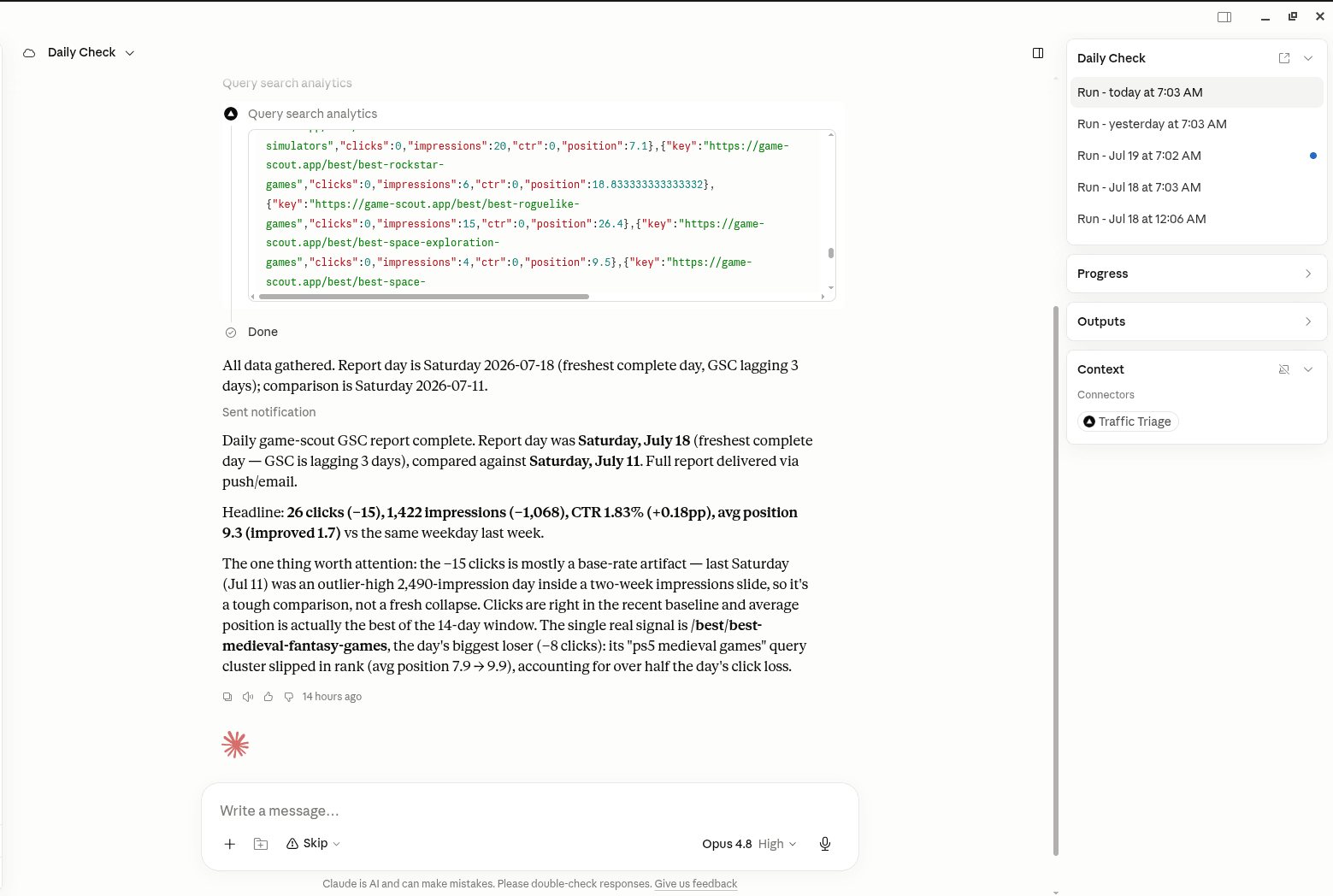
TrafficTriage plugs into Claude, Cursor, and ChatGPT. Your assistant runs the 8 checks, reads your Search Console data, and can even check your site every morning. Free account, no API key, nothing to install.