
 TrafficTriage
GitHub Pages Not Showing Up on Google? The 60-Second Triage
By Ugur Saritepe · August 4, 2026
You pushed your site to GitHub Pages, it opens fine at username.github.io, and Google acts like it doesn't exist. GitHub Pages adds two failure modes no other host has — Jekyll's invisible file filtering and the single-page-app 404.html trick — on top of the usual suspects. The good news: each one shows up in a check you can run in under a minute.
The 60-second self-diagnosis
Search Google for site:username.github.io — or site:yourdomain.com if you attached a custom domain. Then place yourself:
- Zero results. Nothing is indexed. Causes 1–4 below.
- Only the homepage shows. Google found you but skips the rest. Causes 5–8.
- Pages show but earn no clicks. Indexing is fine; the problem is ranking and content, which none of the fixes below touch. That diagnosis is what the Triage Report runs.
One subtlety first: a project site lives at username.github.io/repo-name/ — the repo name is part of every URL. Testing username.github.io/page when the page actually lives under /repo-name/pageproduces a very convincing, entirely false “my site isn't indexed.”
Pages-side causes (the publishing layer)
1. The site isn't being served where you think
GitHub Pages publishes from a specific branch and folder — or from an Actions workflow — chosen in the repo's Pages settings. Push to the wrong branch, build into a folder Pages doesn't serve, or leave the source on “None,” and your latest site never goes live: the URL either 404s or serves a stale version forever.
30-second check:open the repo's Settings → Pages. It should name the live URL and the exact source. Then:
curl -sI https://username.github.io/repo-name/ | head -1
Good: HTTP/2 200. Bad: 404 — fix the Pages source before reading further; GitHub's Pages setup docs walk through it.
2. Jekyll silently dropped your _next/ folder
Unless told otherwise, GitHub Pages runs every deploy through Jekyll — and Jekyll ignores files and folders that start with an underscore. Deploy a Next.js static export and its entire /_next/ asset folder vanishes: the HTML arrives, the CSS and JavaScript 404, and both visitors and Googlebot get a broken, unstyled husk. The fix has been the same for years: an empty file named .nojekyll at the site root, which turns Jekyll off.
30-second check: load one of your asset URLs directly:
curl -sI https://username.github.io/repo-name/_next/static/css/whatever.css | head -1
Good: 200. Bad: 404 on files that exist in your build output — add .nojekyll and redeploy.
.nojekyll, stop here: this one cause explains broken rendering, soft 404s, and de-prioritized crawling all at once.3. Project-site paths break your links and assets
Because a project site lives under /repo-name/, every absolute link and asset path that starts with plain / points at the wrong place — /styles.css resolves to username.github.io/styles.css, which doesn't exist. Jekyll handles this with the baseurl setting; frameworks call it basePath or base. Leave it unset and the site works locally, then quietly falls apart in production — internal links 404, so the crawler can't walk from page to page.
30-second check:click three internal links on the live site. If any lands on a 404, set the base path in your framework's config to /repo-name and rebuild.
4. You never actually told Google you exist
A fresh github.iosubdomain has zero links pointing at it and can sit undiscovered for weeks. That is not a penalty — Google just hasn't met you. Verify the site in Google Search Console (a custom domain verifies by DNS; a github.io subdomain verifies with the HTML-file method), submit your sitemap, and use URL Inspection → Request Indexing on the homepage.
No sitemap to submit? A plain static upload doesn't generate one — add one and let Google read it. First pages typically appear within days of the request; four or more weeks of verified silence points back at the other causes.
Site-side causes (how the pages behave)
5. The SPA 404.html trick is serving your whole app
GitHub Pages has no server-side routing, so single-page apps use a popular workaround: put the app in 404.html, or have 404.html redirect back to index.html with the path stashed in a query string. Browsers barely notice. Crawlers do: every deep URL answers with an actual 404 status— or a redirect chain into JavaScript — and Google will not index a page whose status line says it doesn't exist.
30-second check: curl -sI https://yourdomain.com/any-deep-route | head -1. Good: 200. Bad: 404 on a route you want indexed. Fix: pre-render each real route to its own folder/index.html at build time (most frameworks call this static export), and keep 404.html for genuinely missing pages.
6. Your HTML is an empty shell
Related but distinct: even with routes resolving, a React or Vite build often ships an empty <div id="root"> that JavaScript fills in later. Google can render JavaScript, but rendering is queued and error-intolerant — Google's JavaScript SEO documentation covers the deferred second wave — and many SPA pages never get rendered at all. Check: open view-source:on your live URL and search for a sentence from the page. If your copy isn't in the raw HTML, switch the public pages to static export so real HTML is committed at build time.
7. Your custom domain half-works
Three custom-domain slips, all common on Pages. The CNAME file that stores your domain gets wiped by a deploy that overwrites the branch — domain silently detaches. DNS points the apex at the wrong records, so www and the bare domain serve different things — Google needs exactly one version of your site. And “Enforce HTTPS” stays unchecked, leaving an http:// twin alive. When the domain is healthy, GitHub redirects the github.io address to it — the custom-domain docs describe the intended end state.
30-second check: curl all four variants — http:// and https://, with and without www — and confirm each answers with a single redirect into the one canonical version, which answers 200.
8. Your canonical tag still names github.io
Attached a custom domain but generated your pages back when the site URL was username.github.io? Then every page's canonical tag is telling Google the real version lives on the subdomain — an instruction to ignore the page it just crawled. Check: view-source, find rel="canonical", read it character by character against the address bar. Fix: update the site URL in your config and rebuild.
The verdict: fix exactly one thing this week
Run the checks in order and stop at the first hit:
- The live URL 404s or serves a stale build → fix the Pages source (cause 1). Everything else is downstream.
- Assets 404 because of underscore folders → add
.nojekyll(cause 2). One empty file, disproportionate payoff. - Deep routes 404 or content missing from view-source → pre-render (causes 5 + 6). Nothing ranks if Google can't read it.
- Broken internal links, domain variants, or a stale canonical → align base path, DNS, HTTPS, and canonical (causes 3, 7, 8).
- All checks pass and the site is under four weeks old → cause 4. Submit the sitemap, request indexing, and genuinely wait.
How to confirm the fix worked
Re-run the check that caught your cause and make sure it now shows the good output. Then use URL Inspection → Request Indexing in Search Console on the fixed page and give it a full week. Still nothing? Walk the verdict list again — on GitHub Pages especially, cause 2 loves to hide behind cause 1. Hosting somewhere else? The same triage exists for other hosts in our platform guides — if you outgrew Pages and moved to a host with previews, the Netlify version covers the traps that come with that move.
Since a GitHub Pages site is already a repository you work in, you can keep this check next to the code. The TrafficTriage MCP server adds the eight checks as tools your AI assistant can call, so after a gh-pages deploy you can ask it to re-run the triage and get the verdict without leaving the editor.
FAQ
Why is my GitHub Pages site not showing up on Google?
Usually one of: the site isn't actually being served where you think (wrong branch or folder in the Pages settings), Jekyll silently dropped your underscore-prefixed asset folders so pages render broken, a single-page app is serving its content through the 404.html redirect trick, or Google simply hasn't discovered a brand-new github.io subdomain yet. The checks in this guide sort out which in about a minute.
Do github.io sites rank on Google?
Yes — github.io project and user sites get crawled and indexed like any other site, and plenty rank well. But you're building on a subdomain you don't own. If the project is meant to last, add a custom domain early; GitHub redirects the github.io address to it, so nothing you earned is lost.
Does GitHub Pages generate a sitemap automatically?
No. A plain static upload has no sitemap unless you add one. Jekyll sites can add the jekyll-sitemap plugin (it's on the Pages whitelist); static exports from Next.js, Astro, or similar should emit sitemap.xml at build time. Then submit it once in Search Console.
Can Google index a private repository's GitHub Pages site?
The published site is public and crawlable regardless of the repo's visibility — publishing from a private repo requires a paid plan, but once published, the pages themselves are on the open web. What Google can never see is the repo content itself, only the built site.
Not sure which cause is yours?
Get a free Triage Report: eight checks run from your URL alone — no Search Console access needed — each scored Critical / Monitor / Healthy, ending with the one thing to fix this week. It renders on your screen in about half a minute — no signup, no email required.
In your AI assistant
Ask your AI about your own site
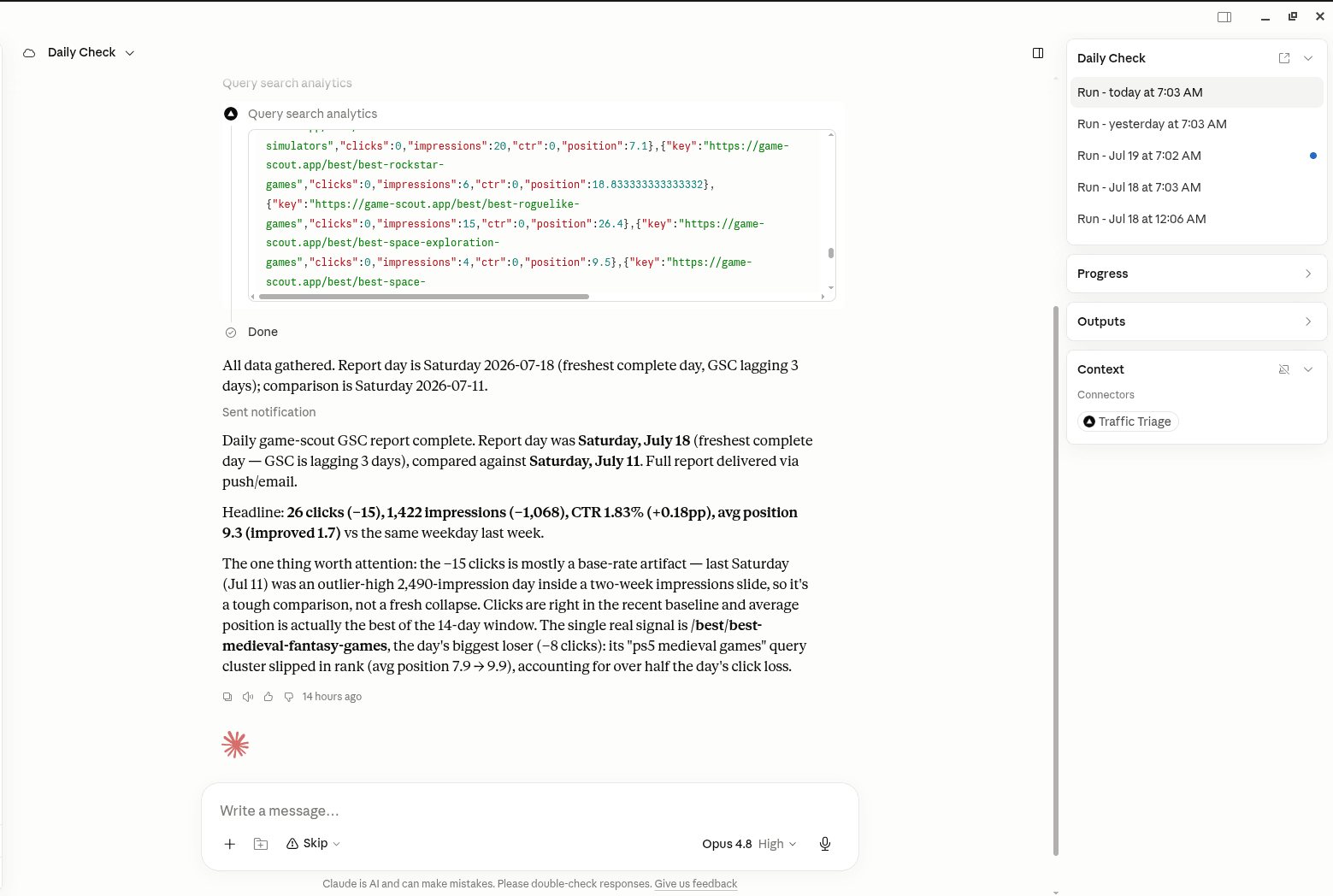
TrafficTriage plugs into Claude, Cursor, and ChatGPT. Your assistant runs the 8 checks, reads your Search Console data, and can even check your site every morning. Free account, no API key, nothing to install.