
 TrafficTriage
Lovable Site Not Showing Up on Google? The 60-Second Triage
By Ugur Saritepe · August 9, 2026
Your Lovable app looks finished in the preview, but Google acts like it doesn't exist. In almost every case Lovable hands Google an empty HTML shell: your content only appears after JavaScript runs, and the crawler's first look sees a blank page. This guide finds your exact cause in about a minute and tells you which one thing to fix first.
The 60-second self-diagnosis
Do two checks before changing anything. First, open Google and search site:yourdomain.com (your real domain, no spaces):
- Zero results. Google has indexed nothing. Your problem is almost certainly the empty-shell issue or a missing sitemap - causes 1 to 4 below.
- Only your
.lovable.appaddress shows. Google indexed the free subdomain instead of your custom domain - go to cause 3. - Pages show, but you get no clicks.That isn't an indexing problem; it's a ranking and content one, and nothing below will move it. That case needs a different diagnosis (it's what our Triage Report is built for).
Second, open view-source:https://yourdomain.com(view source, not “inspect element” - inspect shows the page after JavaScript runs, which hides the exact problem you are hunting). Press Ctrl+F and search for a full sentence you can read on your live page. If that sentence is missing from the source, you have cause 1, and it is almost always the whole problem.
The core cause on Lovable: an empty HTML shell
1. Google sees a blank page, not your content
Lovable builds every project as a client-rendered React app on Vite: the server sends a nearly empty <div id="root"> and JavaScript draws your content afterward. You see the finished page; Google's first look often sees the blank shell. Google can run JavaScript, but that rendering is queued, delayed, and unforgiving of errors, so many client-rendered pages never make it into the index - Google's own JavaScript SEO documentation describes that deferred second wave. Other search engines and AI crawlers usually don't render JavaScript at all, so to them the page is empty.
30-second check: the view-source search you just ran. If your headline and body text are not in the raw source, this is your cause.
view-source, this is your whole problem. Nothing else on this page matters until a crawler can read your content without running your JavaScript. Cause 2 is how to fix that.2. Make Lovable serve real HTML to crawlers
The fix is to send finished HTML on the first request instead of an empty shell. Three routes, in rough order of effort:
- Prerender your public pages.A prerendering service serves a static HTML snapshot to crawlers while real visitors still get the app. It's the lowest-effort fix and needs no rewrite.
- Turn on SEO Boost if your project has it.As of 2026, Lovable's server-rendered option is called SEO Boost, under Settings → Domains & Hosting; it makes the HTML ship with your content. It won't retrofit an old project automatically, so confirm with the
view-sourcetest above rather than assuming it is on. - Move the marketing pages to a framework that ships HTML. For pages that must rank, exporting to a server-rendered stack (Next.js, Astro) gives crawlers real HTML on the first request every time.
Whichever you pick, the target is the same: after the fix, view-source on the live URL shows your real copy in the raw HTML.
Host and domain causes
3. Your .lovable.app twin is competing with your domain
Every Lovable project is reachable at a free yourproject.lovable.app address as well as at any custom domain you connect. Google treats those as two different sites. A site left on the .lovable.appsubdomain builds no authority of its own, and once you add a custom domain the two hosts can split your indexing - Google picks the subdomain as the “real” version and your own domain looks invisible.
30-second check: search site:yourproject.lovable.app. If that shows results while your custom domain shows none, Google indexed the twin.
Fix:connect a custom domain, set it as the primary domain, and make every page's canonical tag - the line that tells Google which URL is the “real” one - point at that custom domain. Then verify the custom-domain host (not the subdomain) in Search Console and submit the sitemap for it. Do all your ranking work on the domain you actually own, never the throwaway subdomain.
SEO plumbing Lovable doesn't add for you
4. There is no sitemap.xml
Lovable does not generate a sitemap.xml on its own, and its own SEO documentation confirms it. A sitemap is the list of pages you want Google to crawl; without one, Google has to discover every page by following links, which is slow on a brand-new site with few inbound links.
30-second check: open yourdomain.com/sitemap.xml in a browser. A 404 or your app loading instead of an XML file means you have none.
Fix: prompt Lovable to generate one. For a fixed set of pages, ask it for a static sitemap.xml listing them. For a growing site (a blog, listings, profiles), ask it to build the sitemap from your data source so new pages appear automatically. Then submit the sitemap URL in Search Console.
5. Every page has the same title and a weak canonical
On a Lovable app the routes are states of one JavaScript bundle, not separate documents, so by default every route ships the same <title> and the same meta description, and often no self-referencing canonical tag. Google then struggles to tell your pages apart or decide which URL is authoritative.
30-second check: open view-source on two different pages and compare the <title> line, then search each source for rel="canonical". Good: each page has its own title and a canonical that matches its own URL. Bad: identical titles, or a canonical missing or pointing at the homepage.
Fix: prompt Lovable to set a unique title and meta description per route and add a self-referencing canonical tag to every page. Note that these live in the HTML, so they only help once the rendering fix from cause 2 is in place - a crawler that never sees your HTML never sees the tags either.
6. A missing or wrong robots.txt
Lovable sites often ship with no robots.txt, or one copied from a template that blocks paths Google needs. If your robots.txtdisallows the script and asset folders your app loads from, Google can't fetch the JavaScript to render the page, and rendering breaks before it starts.
30-second check: open yourdomain.com/robots.txt. Make sure nothing disallows / or the folders your assets load from, and that it points at your sitemap. Fix: prompt Lovable to add a robots.txt that allows crawling and lists your sitemap.xml URL.
Discovery: once Google can read you
7. You never actually told Google you exist
A brand-new domain with no links pointing at it can take weeks for Google to find on its own. If you launched recently, haven't verified the site in Google Search Console, and haven't submitted a sitemap, nothing may be broken - Google just hasn't met you yet.
Fix: verify your custom domain in Search Console, submit yourdomain.com/sitemap.xml, then use URL Inspection to ask Google to recrawl your homepage. First pages usually appear within days; a small site within one to two weeks. If four or more weeks pass with Search Console verified and still nothing indexed, stop waiting - a blocker from earlier in this list is the real cause.
The verdict: fix exactly one thing this week
Run these in order and stop at the first hit:
- Content missing from view-source?Fix the rendering so crawlers get real HTML (causes 1 + 2). This is the fix for most Lovable sites, and nothing ranks until it's done.
- Only the
.lovable.appaddress indexed? Connect a custom domain, set it primary, and point canonicals at it (cause 3). - No sitemap at
/sitemap.xml? Prompt Lovable to generate one and submit it (cause 4). - Same title on every page, or a broken robots.txt? Add per-route titles, canonicals, and a crawlable
robots.txt(causes 5 + 6). - None of the above and the site is under four weeks old? Submit your sitemap, request indexing, and genuinely wait (cause 7).
How to confirm the fix worked
Re-run the check that caught your cause. For the common one, reload view-source on your live URL after the rendering fix - your real headline and body text should now be in the raw HTML, not just a<div id="root">. Then open URL Inspection in Search Console for that page and request indexing; recrawl usually happens within days. Give it a full week before deciding the fix didn't take. If view-source looks right but pages still don't appear after that week, go back down the verdict list - a second cause was hiding behind the first.
On a different builder? The same triage exists for other platforms in our platform guides, including the Bolt version, the Vercel and Next.js version, the Netlify version, and the Bubble version.
From experience: our engine flags Lovable as a CSR shell
This isn't a guess about Lovable's stack - our own triage engine detects it. When the Triage Report's machine-readability check fetches a URL the way a first-pass crawler does (no JavaScript), it parses the raw HTML it gets back. On a default Lovable page it finds a single empty mount div and only a handful of words, and it flags the page as a near-empty JS shell where “crawlers see no content”. It reports the page “renders in a browser via JavaScript” but is “uncrawlable as-is” - the exact failure this guide starts with. It even recognises the Lovable stack by name from the markers in the HTML.
The contrast that makes the point: our own game database site, game-scout.app, runs on a server-rendered stack, so it ships real HTML on the first request. That is the entire reason its catalogue pages get read and indexed while a client-rendered shell sits waiting in a render queue. Same crawler, two very different first impressions - and the first impression is the one that decides whether you get indexed at all.
FAQ
How do I get my Lovable site to show up on Google?
Fix the rendering first so crawlers get real HTML instead of an empty shell: prerender your public pages, turn on server rendering if your project offers it, or move the marketing pages to a framework that ships HTML. Then add a sitemap.xml, give each route its own title, and submit the site in Search Console. In that order.
Does Lovable generate a sitemap automatically?
No. As of July 2026, Lovable does not create a sitemap.xml for you, and its own SEO docs say so. You have to prompt Lovable to generate one (a static file for a fixed set of pages, or a route that builds the XML from your data for a growing site) and then submit it in Search Console.
How long until a Lovable site shows up on Google?
Once crawlers get real HTML and you have submitted a sitemap in Search Console: first pages typically within days, a small site within one to two weeks. Left as a client-rendered shell, indexing is slow and unreliable. Past four weeks with Search Console verified and nothing indexed, assume a blocker from the list above.
Can Google read Lovable websites?
Only after JavaScript runs, which is the problem. A default Lovable page is a client-rendered React app, and Googlebot's JavaScript rendering is queued and error-prone, so many pages wait weeks or never make it. Other search engines and most AI crawlers do not render JavaScript at all, so to them a default Lovable page is blank. Turning on SEO Boost (or another rendering fix) makes the HTML readable on the first request.
Not sure which cause is yours?
Get a free Triage Report: eight checks run from your URL alone - no Search Console access needed - each scored Critical / Monitor / Healthy, ending with the one thing to fix this week. It renders on your screen in about half a minute, with no signup and no email required.
In your AI assistant
Ask your AI about your own site
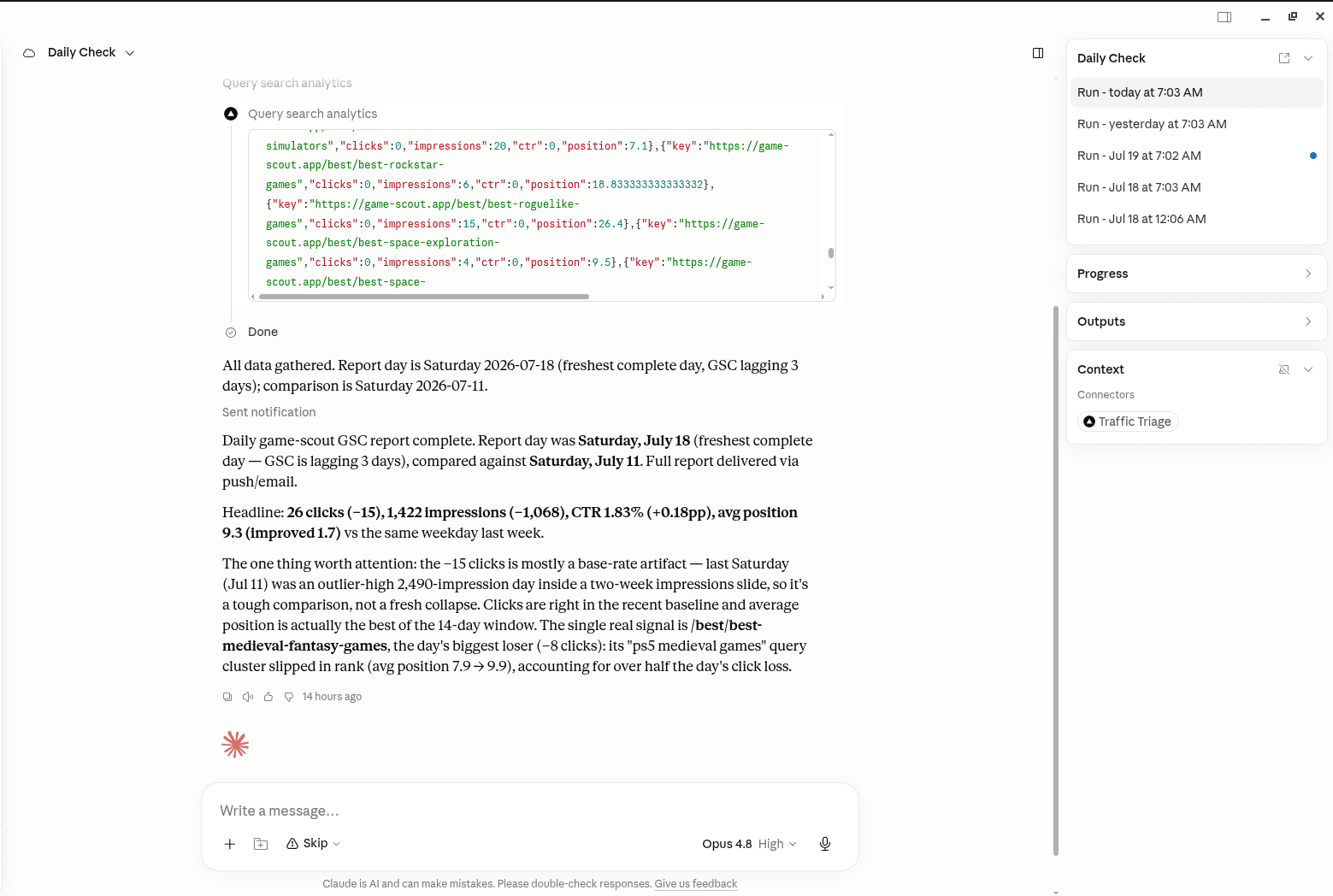
TrafficTriage plugs into Claude, Cursor, and ChatGPT. Your assistant runs the 8 checks, reads your Search Console data, and can even check your site every morning. Free account, no API key, nothing to install.