
 TrafficTriage
Framer Site Not Showing Up on Google? The 60-Second Triage
By Ugur Saritepe · July 30, 2026
Your Framer site is published, it loads fine, and Google shows nothing. Here is what we can prove: Framer's hosting defaults are clean. We probed it on July 30, 2026 and found pre-rendered HTML, no hidden noindex, and a working sitemap. So the blocker is almost always one of five settings on your side, each checkable in under a minute.
The 60-second self-diagnosis
Search Google for site:yourdomain.com (your real address, no spaces; use the full something.framer.website subdomain if you have no custom domain). The result picks your branch:
- Zero results. Google has indexed nothing. Work through causes 1 to 5 in order; most Framer cases stop at cause 1 or cause 5.
- Results show your framer.website address instead of your custom domain (or both). That is cause 3, the domain split.
- Pages show but nobody clicks. That is not an indexing problem, it is a ranking and content problem, and it needs a different diagnosis. Our Triage Report splits exactly that.
First: three things you can stop blaming
Most generic advice about site builders does not apply to Framer, and chasing it wastes your week. We ran the same header, robots, canonical, and status checks our free report runs against Framer's own marketing site and two free .framer.website template sites on July 30, 2026. Three common suspects came back innocent:
- JavaScript rendering. Framer serves pre-rendered static HTML. The response headers carry
server: Framerwith anssg-status: optimizedmarker, and the page copy is in the raw source before any script runs. Google does not have to execute your site to read it. This is the opposite profile of builders like Lovable or Bolt, where an empty client-rendered shell is the first suspect. - A free-plan noindex. The free subdomains we tested had no
noindexanywhere: the robots meta tag contained onlymax-image-preview:large, there was noX-Robots-Tagheader, robots.txt allowed everything, and/sitemap.xmlanswered with a valid page list. Free framer.website sites do get indexed; asite:framer.websitesearch returns plenty of them. - Soft 404s.Framer's own help center still describes its 404 page returning a
200status, which would be a classic soft 404. Our probe says that is outdated: on both sites we tested, made-up paths returned a realHTTP 404. Platform docs and old forum threads age; your live site is the only source of truth.
With the platform cleared, everything that remains is a setting you can see and change. Here they are, ordered by how often they are the answer and how fast they are to check.
The five real causes
1. The page is excluded from search engines and you never republished
Framer has a per-page setting that controls whether the page carries a noindex tag, the one line that politely asks Google to leave the page out of results. Framer's own indexing help article names this as the usual suspect: a noindex added during development and forgotten at launch. The trap is that flipping the setting does nothing until you publish again; Framer changes only reach the live site on publish.
30-second check: open view-source:https://yourdomain.com (view source, not inspect element) and search for noindex. Good: no match. Bad: any robots meta containing noindex.
noindex: this is your whole problem. Enable search engine visibility in the page settings, publish again, verify the tag is gone in view-source, then request indexing in Search Console. Nothing else on this page matters until this is fixed.2. Password protection is answering for your pages
Framer's built-in password protection returns a 401status, the code for “authentication required”, to everyone without the password, and that includes Googlebot. A password-protected page cannot be crawled, so it cannot be indexed. This one hides well because you always enter the password once and your browser remembers, so the site looks open to you.
30-second check:
curl -sI https://yourdomain.com/ | head -1
Good: HTTP/2 200. Bad: HTTP/2 401, which means every crawler is being asked for a password. Remove the protection from pages that should rank, republish, and request indexing.
3. Your site is split between framer.website and your custom domain
When you connect a custom domain, your project can be reachable at two addresses: the free something.framer.website subdomain and the domain you bought. Framer generates its SEO tags, including the canonical tag (the line that tells Google which URL is the “real” one), from your connected domain. When that works, both versions point Google at the custom domain and the subdomain drops out of results on its own. When it does not, Google sees two competing copies of every page and picks one itself, and it may pick the framer.website version. Framer's help center notes this happens in particular when a reverse proxy sits in front of the site, where SEO tags may default to the .framer.website domain.
30-second check: run both of these and compare:
curl -s https://yourdomain.com/ | grep -io '<link rel="canonical"[^>]*>'
curl -s https://yoursite.framer.website/ | grep -io '<link rel="canonical"[^>]*>'
Good: both canonicals point at your custom domain. Bad: the framer.website version canonicalizes to itself while your custom domain is live, which splits your site into two competitors. Fix it in Settings > Domains: scroll to the bottom, set the Canonical URL field to your custom domain, republish, and re-run the check. Our canonical URL guide explains why duplicates quietly lose, and the www vs non-www guide covers the same split one layer up.
4. The missing page is a redirect
A page that redirects somewhere else does not get indexed; Google indexes the destination instead. Framer's indexing help article lists this explicitly, and it usually appears after a relaunch: old paths get redirect rules, then someone wonders why those paths are gone from Google. They are supposed to be gone.
30-second check:
curl -sI https://yourdomain.com/the-missing-page | head -3
Fine: HTTP/2 200, the page is a real page and your problem is elsewhere. Expected behavior: HTTP/2 301 or 308 with a location: line, the page is a redirect and Google is treating it correctly. Only act if the redirect itself is a mistake: remove or repoint the rule in your site settings, then republish.
5. You never actually told Google you exist
A brand-new domain with no links pointing at it can take weeks to be discovered on its own. Framer removes the usual excuse: a sitemap.xml, the machine-readable list of your pages, is generated automatically, and the site's robots.txt already points to it. On the free sites we tested it was live at yourdomain.com/sitemap.xml with no setup at all.
Fix: verify your domain in Google Search Console, submit yourdomain.com/sitemap.xmlunder Sitemaps, and use URL Inspection with Request Indexing on the homepage. If everything above checks out and the site is under four weeks old, this plus patience is the honest answer. Statuses like “Discovered - currently not indexed” at this age mean Google is queueing you, not rejecting you; our guide to that exact status covers when to worry.
The verdict: fix exactly one thing this week
Run the checks in this order and stop at the first hit:
noindexin view-source: flip the page's search engine setting, republish, request indexing (cause 1). Everything else can wait.401from curl: remove password protection from pages that should rank, republish (cause 2).- Canonicals disagreeing between framer.website and your custom domain: set the Canonical URL field under Settings > Domains, republish (cause 3).
301on a page you expected to rank: fix or accept the redirect (cause 4).- All checks pass and the site is new: verify Search Console, submit the sitemap, and genuinely wait (cause 5). Impatience here leads to breaking things that were fine.
How to confirm the fix worked
Re-run the 30-second check that caught your cause: the view-source search, the curl status line, the canonical comparison. It should now show the good output on the live site, which on Framer always means after a republish, not in the editor preview. Then open URL Inspection in Search Console for the fixed page and click Request Indexing. Recrawl typically happens within days; give it a full week before deciding the fix did not take. If the check passes but pages still do not appear, go back down the verdict list; a second cause was hiding behind the first.
From experience: what probing Framer's hosting taught us
On July 30, 2026 we ran the header, robots, canonical, and status checks behind our free report, by hand with curl, against Framer's own marketing site and two free framer.website template sites. The striking part was how little there was to find: pre-rendered HTML with the copy in the source, self-referencing canonicals, open robots.txt files each pointing at a live auto-generated sitemap, real 404s on made-up paths, and not one noindex. Of the site builders we have probed for this series, Framer shipped the cleanest defaults.
The second lesson is about stale information. Framer's own help center still describes its 404 page returning a 200 status; the live sites we tested return a real 404, so the platform fixed something its docs have not caught up with. The day before, the same checks against a Figma Sites site found the opposite pattern: clean reputation, but every page canonicalized to the homepage, scored Critical by our engine. Details in the Figma triage guide. The moral of both days is the same: test the live site, not the platform's reputation, and not year-old forum threads. The rest of this series is in the platform guides.
FAQ
Is Framer bad for SEO?
No. When we probed Framer's hosting in July 2026, pages were served as pre-rendered HTML with the real copy in the source, free sites carried a self-referencing canonical and no noindex, robots.txt was open, and a sitemap.xml answered at the site root. The indexing problems people hit on Framer come from site settings and domain setup, not from the platform's output.
Do free framer.website subdomains get indexed by Google?
Yes. On the free .framer.website subdomains we tested in July 2026 there was no noindex in the meta robots tag and no X-Robots-Tag header, and a site:framer.website search returns plenty of indexed free sites. If your free-plan site is invisible, the cause is one of the settings in this guide, not a plan restriction.
How do I stop my framer.website subdomain from competing with my custom domain?
Check what the canonical tag on each version says. Framer generates its SEO tags from your connected domain, and its help center documents a Canonical URL field at the bottom of Settings > Domains for cases where that guess is wrong, such as a reverse proxy in front of the site. Set it to your custom domain, republish, then confirm the <link rel="canonical"> in view-source points where you want.
How long until a new Framer site shows up on Google?
With Search Console verified and the sitemap submitted, first pages typically appear within days and a small site settles within one to two weeks. A brand-new domain with no links and no Search Console can take much longer to be discovered at all. If four weeks pass with Search Console verified and zero pages indexed, one of the causes in this guide is blocking you.
Not sure which cause is yours?
Get a free Triage Report: eight checks run from your URL alone, no Search Console access needed, each scored Critical / Monitor / Healthy, ending with the one thing to fix this week. It renders on your screen in about half a minute, no signup and no email required.
In your AI assistant
Ask your AI about your own site
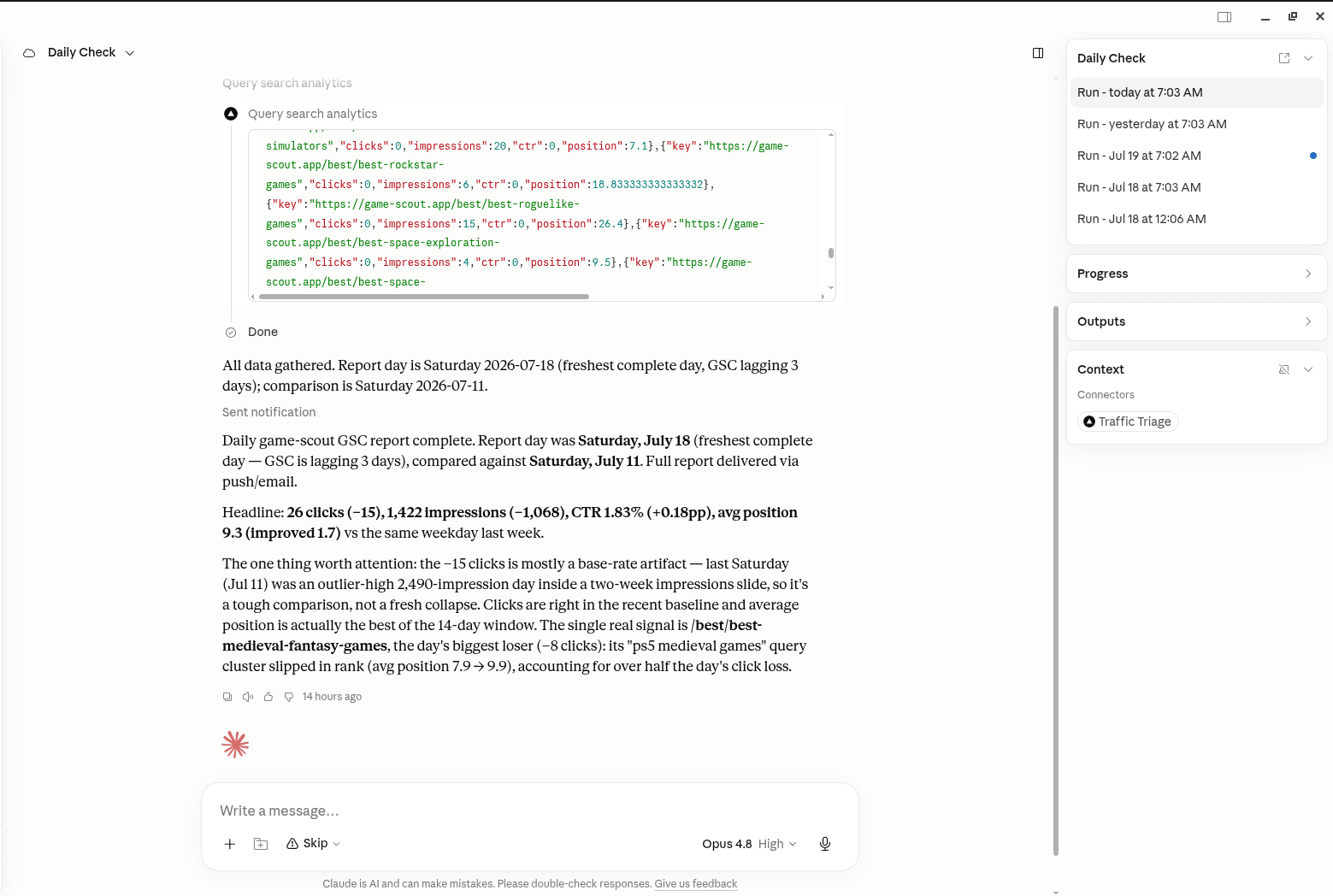
TrafficTriage plugs into Claude, Cursor, and ChatGPT. Your assistant runs the 8 checks, reads your Search Console data, and can even check your site every morning. Free account, no API key, nothing to install.