
 TrafficTriage
SEO MCP Servers for Indie Hackers: Which One to Use
By Ugur Saritepe · July 17, 2026
Search “SEO MCP server” and you get a wall of tools built for agencies: keyword databases, backlink indexes, rank trackers, each with a monthly data plan. If you're an indie hacker with a site at zero, most of that answers questions you don't have yet. Here are the servers that actually fit, sorted by the one job each does best.
What an indie hacker needs first
At zero, your question isn't “what keyword should I target” - it's “is Google even seeing my site.” An SEO MCP server is a set of SEO tools you add to Claude or Cursor by URL, so the assistant can run them for you. Most are built on the assumption that you already rank and want more data. The one worth adding first is the one that matches the job you have right now, so this list is sorted by job, not by feature count.
SEO MCP servers, by the job they do
If Google isn't showing your site: indexing triage
This is the layer most tools skip. The TrafficTriage MCP serverruns 8 checks on any URL - soft-404s, sitemap, robots, canonicals, one site version, page basics, machine readability, index signals - and 6 more on your real Search Console data, ending in one verdict: the single thing to fix first. No keyword plan, read-only, free to start. It answers “why am I invisible,” which is the question at zero. You can even run the free URL report once with no account to see the shape of it.
If you rank and want more: keyword and competitor data
Once Google shows your pages and you want to climb, you need data a crawl can't give you. As of July 2026, servers like SE Ranking's MCP expose keyword, backlink, and competitor data to your assistant, and SerpApi's MCP runs live search-result lookups for keyword and competitor research. These are paid data plans, and if keyword research is your actual bottleneck they beat a triage tool - honestly, that's the wrong problem for a triage server to solve.
If you want raw Search Console data: the DIY route
If you're technical and just want to query your own Search Console numbers, the open-source GSC MCP server is free. The trade-off is setup: you create a Google Cloud project, generate OAuth credentials, and run the server yourself. Great if you live in a terminal, a real barrier if you don't. It hands your assistant the raw numbers and leaves the interpreting to you.
If you do deep technical audits: a full SEO skill
For developers who want an exhaustive audit in the terminal, Claude SEOis a free Claude Code toolset covering technical SEO, schema, and AI-search visibility. It's aimed at people comfortable running many agents and reading long reports - more than an indie hacker at zero usually needs, but the right tool once your site is real and you want depth.
How to choose, in one question
Match the server to the job you have today:
- Not showing up on Google at all - start with indexing triage (TrafficTriage). Everything else is premature.
- Showing up, want to rank higher - add a keyword-data server (SE Ranking, SerpApi).
- Want your raw Search Console numbers and you're technical - self-host the open-source GSC server.
- Doing a deep developer-grade audit - reach for a full SEO skill like Claude SEO.
Cost is the other half of the choice, and it splits sharply: the keyword-data servers bill per credit and get expensive once an assistant starts calling them in a loop, while the self-hosted options cost you setup time instead. TrafficTriage meters by runs rather than seats - our pricing page explains what counts as a run and where the free budget ends.
They all install the same way
Whichever you pick, adding it is the same flow: a URL or a small config block in Claude or Cursor, then a sign-in. The differences are what they cost and what job they do, not how you connect them. The step-by-step is in running SEO checks in Claude, and connecting your search data is covered in connecting Search Console to your assistant.
ChatGPT is the exception. It hides the setting behind Developer mode, and it is the only client that refuses the connection outright if the server does not advertise the openidscope — a failure that looks like a broken server even though Claude connects to the same URL without complaint. Both are covered in setting up an SEO MCP server in ChatGPT.
From experience
The mistake I see most often is reaching for a keyword-research tool while Google can't even read the homepage. Order matters: get indexed and readable first, confirm Google is showing you, then chase keywords. A rank tracker on a site Google can't see is a very precise reading of zero. More on this in the SEO in Your AI Assistant guides, and the honest answer for most people at zero is: fix indexing first, and you may not need a paid data plan for months.
FAQ
What's the best free SEO MCP server for an indie hacker?
It depends on the job. For finding out why you're not on Google, TrafficTriage's free tier runs the checks and gives a verdict. For querying your raw Search Console numbers yourself, the open-source GSC MCP server is free but you host it. There is no single best - there's a best for the question you have now.
Do I need a paid SEO tool as an indie hacker?
Not at zero. Paid keyword and backlink data plans pay off once you already rank and want to grow. Before that, your bottleneck is usually indexing - whether Google can see and read your site at all - which the free triage tools answer without a data subscription.
Can I use more than one SEO MCP server at once?
Yes. They're just tools your assistant can call, so you can add several and let it pick. A common pairing is one triage server for indexing and one data server for keywords once you're ranking.
Which SEO MCP servers work with Cursor and ChatGPT?
Most speak standard remote MCP, so any client that adds a server by URL can use them - Claude and Cursor are the most commonly tested. Client support varies per server, so check each one's list before you commit.
Start with the question at zero: is Google seeing you?
The TrafficTriage MCP server runs the indexing checks and a Search Console read from your assistant, free to start and read-only. Create an account, add the server, and get a verdict before you pay for keyword data.
In your AI assistant
Ask your AI about your own site
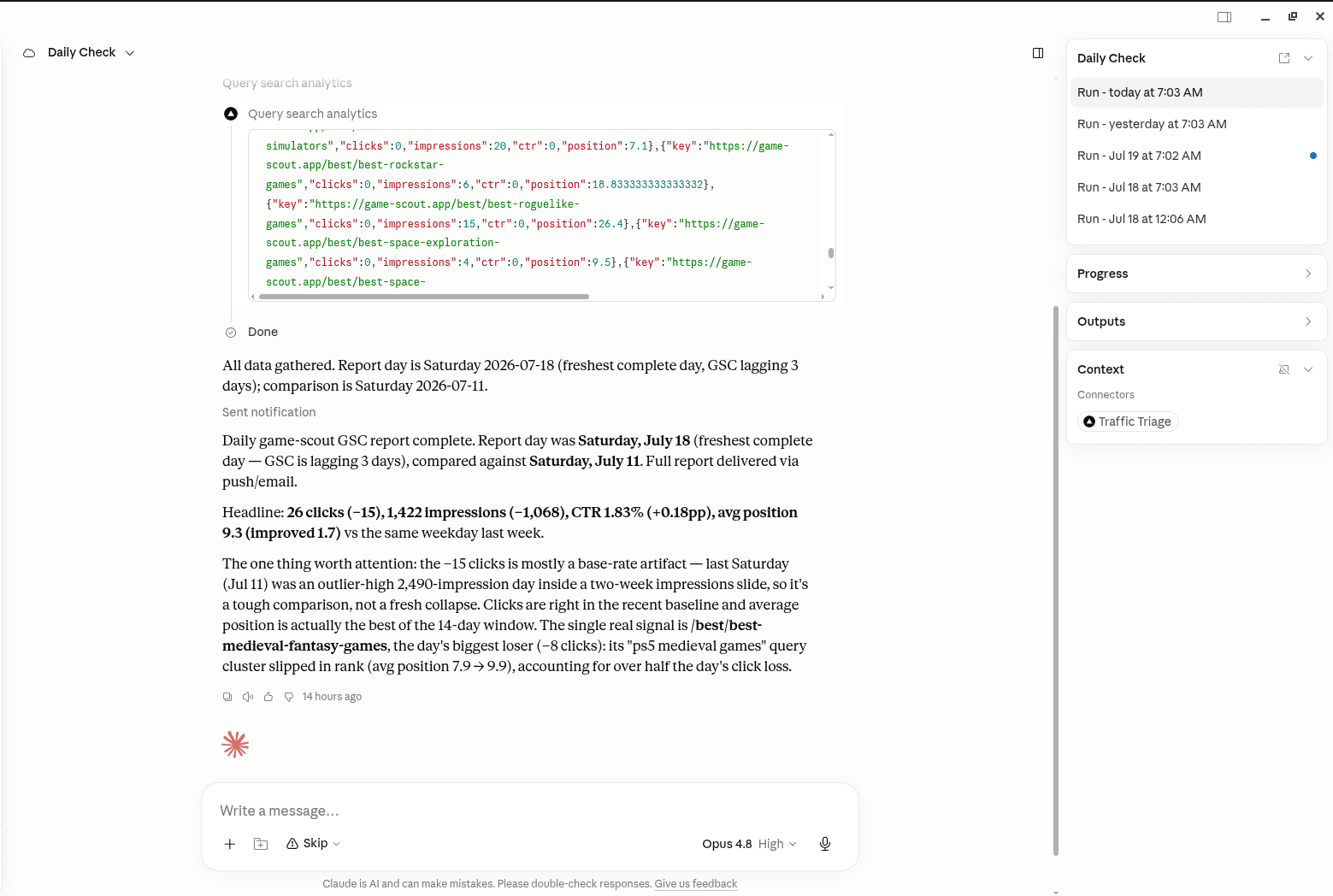
TrafficTriage plugs into Claude, Cursor, and ChatGPT. Your assistant runs the 8 checks, reads your Search Console data, and can even check your site every morning. Free account, no API key, nothing to install.